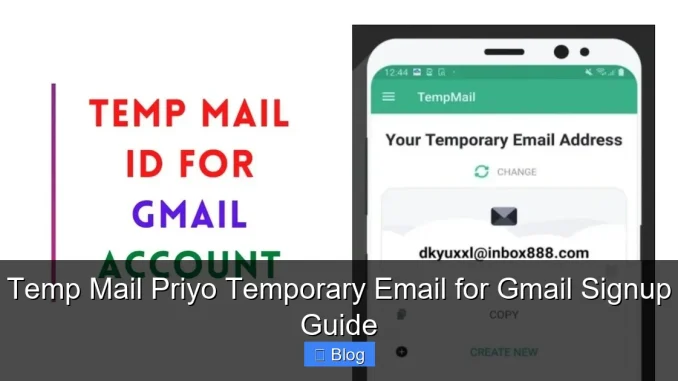
Temp Mail Priyo offers a secure, instant temporary email service perfect for Gmail signups without revealing your real address. It helps avoid spam, protect privacy, and complete registrations quickly—no downloads or signups required.
Key Takeaways
- Instant Access: Get a working temporary email in seconds—no registration needed.
- Privacy Protection: Keep your real email safe from spam, tracking, and data harvesting.
- Gmail Signup Friendly: Works seamlessly with Gmail’s verification process using disposable addresses.
- No Downloads Required: Use directly in your browser—no apps or software installations.
- Auto-Refresh Inbox: Messages appear automatically; no manual checking required.
- Limited Lifespan: Emails expire after a set time, ensuring no long-term clutter.
- Ideal for One-Time Use: Perfect for trials, downloads, forums, and short-term accounts.
📑 Table of Contents
What Is Temp Mail Priyo?
Temp Mail Priyo is a free, user-friendly temporary email service that generates disposable email addresses on demand. Whether you’re signing up for a new app, downloading a free resource, or creating a Gmail account without using your personal inbox, Temp Mail Priyo gives you an instant, secure alternative. Think of it as a digital shield for your real email—letting you interact online without exposing your primary address to spam, phishing, or unwanted marketing.
Unlike traditional email providers, Temp Mail Priyo doesn’t require you to create an account, verify your identity, or download any software. You simply visit the website, and a brand-new temporary email address is generated instantly. This address works just like any other email—you can receive messages, confirm links, and complete signup processes—but it disappears after a short period, usually between 10 minutes to a few hours, depending on usage and server settings.
How Does It Work?
Using Temp Mail Priyo is as simple as copying a link. When you land on the site, it automatically creates a random email address (like [email protected]). This address is active immediately and begins receiving emails the moment it’s generated. If you’re signing up for Gmail, for example, you paste this temporary address into the email field during registration. When Gmail sends a verification code or confirmation link, it lands directly in your Temp Mail Priyo inbox—no waiting, no hassle.
The system uses cloud-based servers to manage incoming messages, so everything happens in real time. You don’t need to refresh the page manually; the inbox updates automatically. Once you’ve completed your task—like verifying your Gmail account—you can simply close the tab. The email address will eventually expire, and any data associated with it will be deleted, ensuring your privacy remains intact.
Why Use a Temporary Email for Gmail Signup?
You might be wondering: why go through the trouble of using a temporary email just to sign up for Gmail? The answer lies in privacy, security, and convenience. While Gmail itself is a trusted platform, the signup process often requires you to provide a recovery email. If you’re creating a secondary Gmail account for testing, work, or anonymity, using your primary email as a recovery option can lead to cross-account tracking, increased spam, and reduced control over your digital footprint.
Visual guide about Temp Mail Priyo Temporary Email for Gmail Signup Guide
Image source: tj-gin.oss-us-west-1.aliyuncs.com
By using Temp Mail Priyo during Gmail signup, you isolate the new account from your personal information. This is especially useful if you’re managing multiple Gmail accounts for different purposes—like one for personal use, one for freelance work, and another for online courses. Each can be created with a unique temporary email, preventing overlap and keeping your inboxes clean.
Avoiding Spam and Unwanted Promotions
One of the biggest drawbacks of online signups is the flood of promotional emails that follow. Even if you uncheck “subscribe to newsletters” boxes, many services still send welcome emails, product updates, or partner offers. These messages can clutter your primary inbox and increase the risk of phishing attempts.
With Temp Mail Priyo, you avoid this entirely. Since the email is temporary and not linked to your identity, any promotional content sent to it disappears along with the address. This means your real inbox stays focused on important communications—family, work, bills—while temporary accounts handle the noise.
Enhanced Privacy and Security
Privacy-conscious users appreciate Temp Mail Priyo because it minimizes data exposure. When you use your real email for every online service, you’re essentially building a digital profile that companies can track across platforms. Temporary emails break this chain. Even if a service gets hacked or sells your data, the temporary address offers no value to attackers—it’s already expired or irrelevant.
Additionally, some websites require email verification just to download a free ebook or access a webinar. Using your primary email for such minor tasks feels unnecessary and risky. Temp Mail Priyo lets you complete these actions without compromise, giving you peace of mind and full control over your digital identity.
Step-by-Step Guide: Using Temp Mail Priyo for Gmail Signup
Ready to try it out? Here’s a simple, step-by-step guide to using Temp Mail Priyo when creating a new Gmail account. This method works on any device with a web browser—desktop, laptop, tablet, or smartphone.
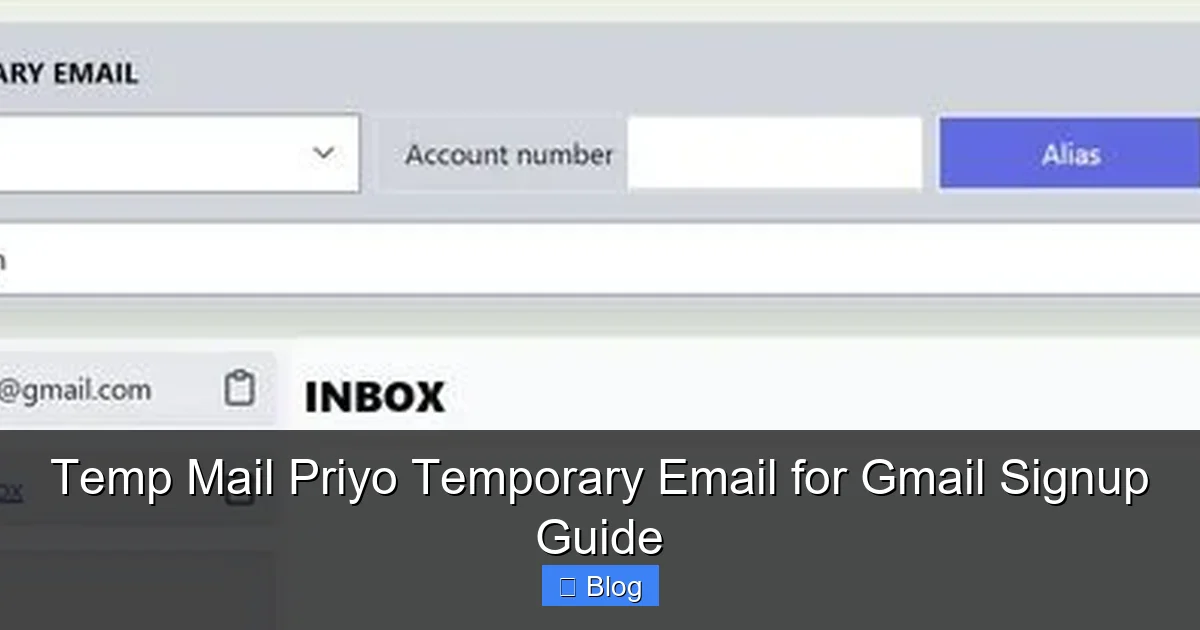
Visual guide about Temp Mail Priyo Temporary Email for Gmail Signup Guide
Image source: sonjj.com
Step 1: Visit Temp Mail Priyo
Open your preferred web browser and go to the official Temp Mail Priyo website. Make sure you’re on the correct domain to avoid fake or malicious clones. Look for a clean, ad-light interface with a prominently displayed email address.
Step 2: Copy the Temporary Email
The site will generate a random email address instantly. It might look something like [email protected]. Click the copy button next to the address to save it to your clipboard. Alternatively, you can manually select and copy it.
Step 3: Start Gmail Signup
Open a new tab and go to Google’s Gmail signup page. Fill in your desired name, username, and password. When you reach the “Recovery email” field, paste the temporary email address you just copied.
Step 4: Check the Temp Mail Inbox
Google will send a verification code or confirmation link to the temporary email. Switch back to the Temp Mail Priyo tab. The message should appear within seconds. Click on it to open, then copy the verification code or click the confirmation link.
Step 5: Complete Gmail Setup
Return to the Gmail signup page and enter the verification code. Follow the remaining steps to finish creating your account. Once done, you can close the Temp Mail Priyo tab—your temporary email has served its purpose.
Pro Tips for Smooth Signup
- Use a Private Browser Window: Open Temp Mail Priyo in an incognito or private browsing window to avoid cookie conflicts.
- Keep Both Tabs Open: Have Gmail and Temp Mail Priyo open side by side for easy copying and pasting.
- Act Quickly: Temporary emails have limited lifespans. Complete the signup within 10–15 minutes to avoid expiration.
- Don’t Refresh Too Often: The inbox auto-refreshes, so constant manual refreshing isn’t necessary and may slow things down.
Is Temp Mail Priyo Safe and Reliable?
Safety is a top concern when using any online service, especially one that handles email traffic. Temp Mail Priyo is generally safe for casual, short-term use. It doesn’t store personal data, doesn’t require login credentials, and doesn’t track user behavior beyond basic server logs (which are typically deleted quickly).
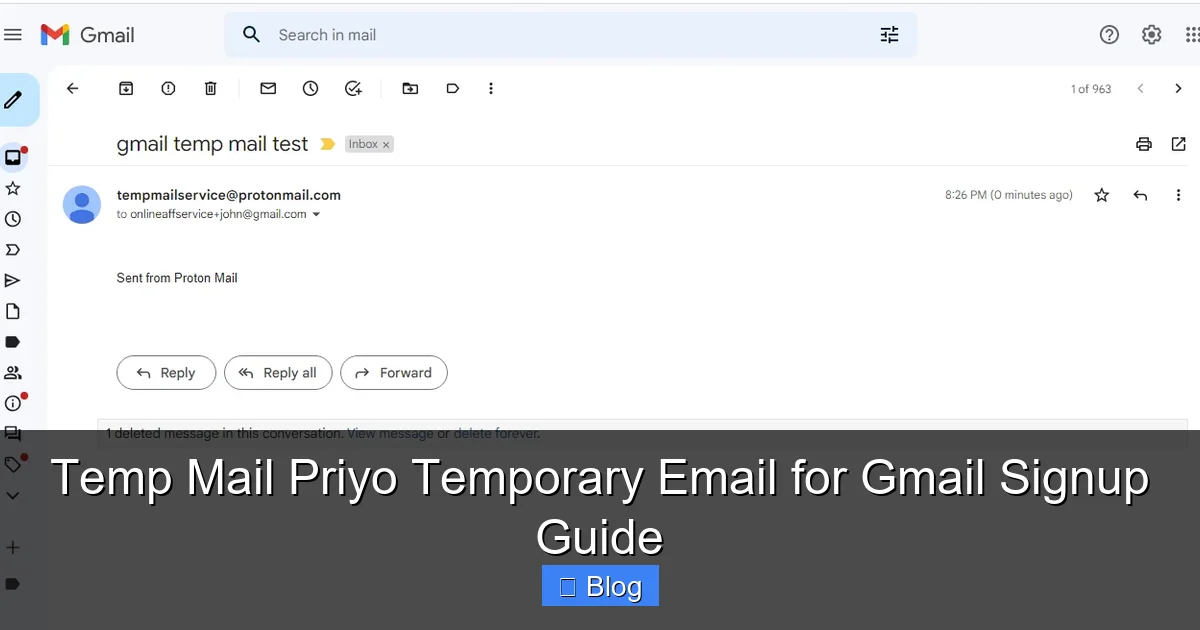
Visual guide about Temp Mail Priyo Temporary Email for Gmail Signup Guide
Image source: 10-minutemail.com
However, it’s important to understand the limitations. Because the service is free and public, the email addresses are not private in the traditional sense—anyone could potentially access the inbox if they guess the address. This means you should never use Temp Mail Priyo for sensitive transactions, financial accounts, or anything involving personal identification.
Best Practices for Safe Use
To maximize security while using Temp Mail Priyo, follow these best practices:
- Avoid Sensitive Data: Never send passwords, credit card info, or personal documents to a temporary email.
- Use Only for Verification: Limit usage to account confirmations, download links, and one-time signups.
- Don’t Rely on Long-Term Access: Assume the email will disappear soon—don’t use it for ongoing communication.
- Check for HTTPS: Ensure the website uses a secure connection (look for the padlock icon in the address bar).
While Temp Mail Priyo is reliable for most everyday tasks, it’s not a replacement for a secure, private email service like ProtonMail or Tutanota. Use it as a tool—not a long-term solution.
Alternatives to Temp Mail Priyo
While Temp Mail Priyo is a solid choice, it’s not the only temporary email service available. Depending on your needs, you might want to explore alternatives that offer different features, such as longer email lifespans, custom domains, or mobile apps.
Popular Alternatives
- Mail.tm: Offers disposable emails with a clean interface and longer active periods (up to 24 hours). Supports custom usernames.
- 10 Minute Mail: As the name suggests, emails last about 10 minutes—great for quick verifications. Simple and no-frills.
- Guerrilla Mail: Provides temporary emails with attachments support and a built-in composer. Emails last one hour.
- TempMail.org: Similar to Priyo, with auto-refresh and instant access. Popular in regions with limited email options.
Each service has its strengths. If you need more control over the email address or longer access, Mail.tm might be better. For ultra-fast, no-fuss verifications, 10 Minute Mail is ideal. Temp Mail Priyo strikes a balance between simplicity and functionality, making it a top pick for most users.
Common Use Cases for Temporary Emails
Temp Mail Priyo isn’t just for Gmail signups. It’s a versatile tool with many practical applications across daily digital life. Here are some of the most common ways people use temporary email services:
Downloading Free Resources
Many websites require an email address to download free ebooks, templates, or software trials. Instead of giving your real email, use a temporary one. You get instant access without the follow-up spam.
Joining Online Forums and Communities
Forums like Reddit, Quora, or niche hobby sites often require email verification. If you’re just browsing or testing the waters, a disposable email keeps your identity private.
Testing Apps and Websites
Developers and marketers use temporary emails to test registration flows, email deliverability, and user onboarding without creating fake accounts with real addresses.
Avoiding Social Media Tracking
When signing up for social platforms like Twitter or Instagram, using a temporary email reduces cross-platform tracking and limits data collection.
Creating Multiple Accounts
Some services limit users to one account per email. With Temp Mail Priyo, you can create multiple accounts for testing, promotions, or regional access.
Final Thoughts: Is Temp Mail Priyo Right for You?
Temp Mail Priyo is a smart, convenient tool for anyone who values privacy and wants to reduce digital clutter. Whether you’re signing up for Gmail, downloading a free guide, or testing a new app, it offers a quick and secure way to stay anonymous online. Its ease of use, instant access, and no-download requirement make it ideal for both tech-savvy users and beginners.
That said, it’s not a one-size-fits-all solution. For long-term communication or sensitive accounts, always use a secure, private email provider. But for quick, one-time tasks, Temp Mail Priyo is hard to beat. Give it a try the next time you need to verify an account—you might just wonder how you ever managed without it.
Frequently Asked Questions
Is Temp Mail Priyo free to use?
Yes, Temp Mail Priyo is completely free. There are no hidden fees, subscriptions, or premium upgrades. You can generate and use temporary emails as often as needed without any cost.
Can I use Temp Mail Priyo on my phone?
Absolutely. Temp Mail Priyo works on all devices with a web browser, including smartphones and tablets. Just visit the site on your mobile browser, and the experience is the same as on desktop.
How long do emails last in Temp Mail Priyo?
Emails typically remain active for 10 to 60 minutes, depending on server activity and usage. If the inbox receives no messages for a while, the address may expire sooner. It’s best to complete your task quickly.
Can I send emails from Temp Mail Priyo?
No, Temp Mail Priyo is receive-only. You can view and click links in incoming messages, but you cannot compose or send emails. It’s designed for verification and notifications, not communication.
Is it safe to use Temp Mail Priyo for Gmail?
Yes, it’s safe for Gmail signup verification. However, avoid using it for recovery emails on important accounts. Since the address expires, you won’t be able to recover your Gmail if you lose access.
What happens to my data after the email expires?
Once the temporary email expires, all messages and associated data are permanently deleted from the server. No personal information is stored or retained, ensuring your privacy.
Leave a Reply