
Temp Mail Priyo is a free fake email generator that helps you protect your real inbox from spam, scams, and unwanted sign-ups. It offers instant, disposable email addresses perfect for one-time use on websites, apps, and services—no registration required.
Key Takeaways
- Instant Access: No sign-up needed—just visit the site and get a working fake email in seconds.
- Privacy Protection: Keep your real email safe from spam, phishing, and data breaches.
- Auto-Refreshing Inbox: Messages appear automatically—no manual checking required.
- No Personal Info Required: Use it anonymously without sharing your name, phone, or real email.
- Great for Testing: Developers and testers can use it to verify forms, apps, and sign-up flows.
- Limited Lifespan: Emails expire after a short time, so use them quickly for time-sensitive tasks.
- Not for Sensitive Use: Avoid using it for banking, government, or important account recovery.
📑 Table of Contents
What Is Temp Mail Priyo?
Temp Mail Priyo is a free online service that generates temporary, disposable email addresses. Think of it as a digital shield for your real inbox. Instead of giving out your personal email when signing up for a new app, forum, or newsletter, you use a fake one from Temp Mail Priyo. Once you’re done, the email disappears—along with any spam or junk that might have followed.
This tool is perfect for anyone who values online privacy. Whether you’re downloading a free eBook, joining a social media platform, or testing a new website, Temp Mail Priyo lets you stay anonymous. It’s especially useful when you don’t trust a site with your real email or just want to avoid cluttering your inbox.
Unlike some other fake email generators, Temp Mail Priyo is simple, fast, and completely free. There’s no need to create an account, enter your details, or download software. Just open the website, and you’re ready to go. The email address is generated instantly and starts receiving messages right away.
How Does It Work?
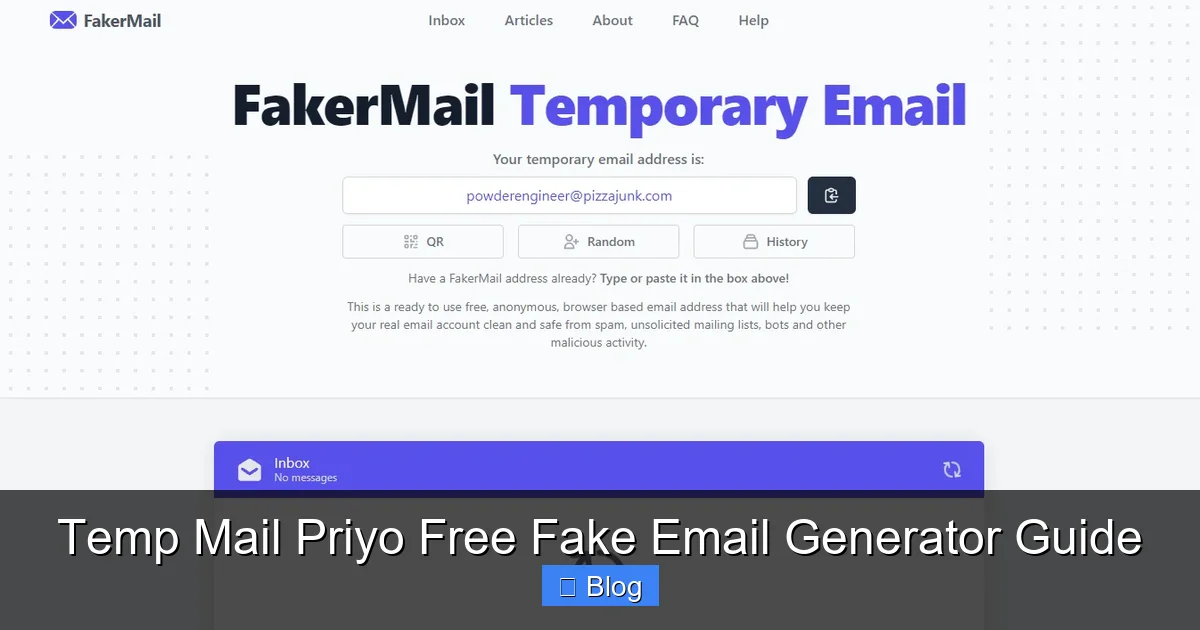
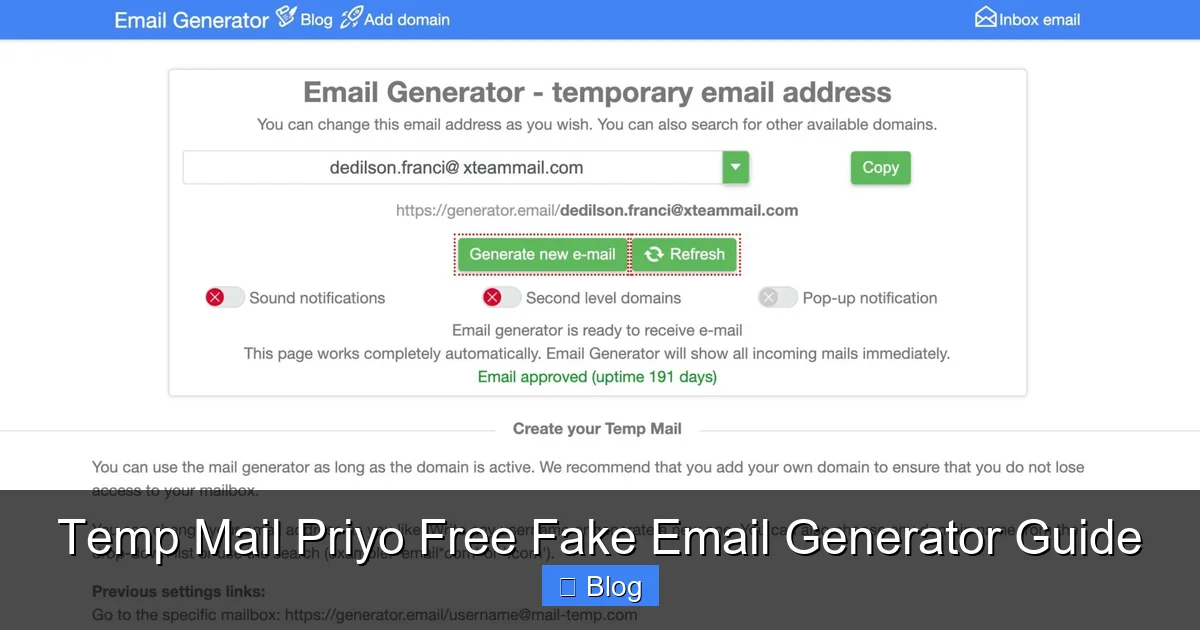
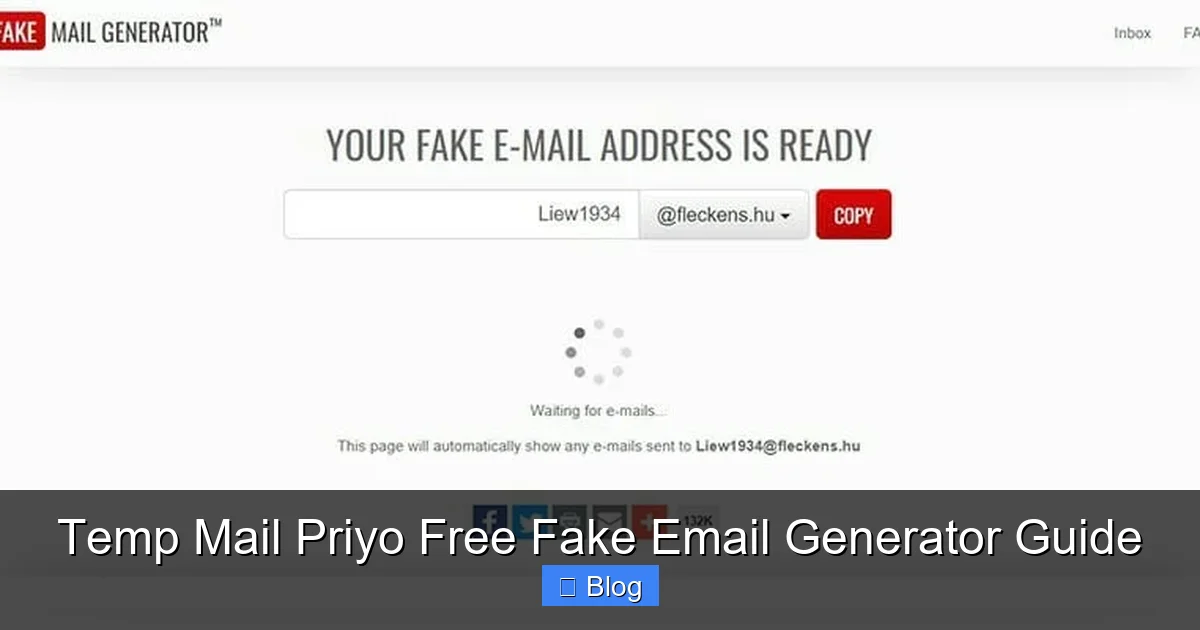
When you visit the Temp Mail Priyo website, it automatically creates a random email address for you. This address follows a standard format—something like “[email protected]”—and is linked to a temporary inbox hosted on their servers. Any email sent to that address will appear in your browser window within seconds.
The process is fully automated. You don’t need to refresh the page or check manually. As soon as someone sends an email to your fake address, it pops up in your inbox. You can read the message, click links, download attachments (if safe), and even reply if needed—though replies usually go to a void since the sender doesn’t have a real inbox.
Once you close the browser or the session ends, the email address becomes inactive. Most addresses last between 10 minutes and a few hours, depending on usage and server settings. This short lifespan is by design—it keeps things secure and prevents misuse.
Why Use a Fake Email Generator?
Visual guide about Temp Mail Priyo Free Fake Email Generator Guide
Image source: guru99.com
Using a fake email generator like Temp Mail Priyo isn’t about being sneaky—it’s about being smart with your digital footprint. Every time you give out your real email, you’re opening the door to spam, phishing attempts, and data tracking. Companies often sell or leak email addresses, and once your inbox is flooded with junk, it’s hard to clean up.
A disposable email acts as a buffer. You get the benefits of signing up for a service—like accessing content or verifying an account—without exposing your personal information. It’s like wearing a mask at a party: you can participate, but your identity stays hidden.
Common Use Cases
There are many practical reasons to use a fake email generator. For example, imagine you’re downloading a free guide from a blog. The site asks for your email to send the file. Instead of using your main account, you generate a temp email, receive the download link, and then forget about it. No spam, no follow-up emails—just the content you wanted.
Another common use is account verification. Some websites require email confirmation before you can log in. If you’re just testing the site or don’t plan to use it long-term, a fake email lets you complete the process without commitment.
Developers and QA testers also rely on tools like Temp Mail Priyo. When building a new app or website, they need to test sign-up forms, password resets, and email notifications. Using real emails would clutter their inboxes and slow down testing. A disposable email streamlines the process and keeps things organized.
Even gamers use fake emails to create accounts on new platforms or forums. It’s a quick way to join a community without worrying about future spam or data breaches.
How to Use Temp Mail Priyo: Step-by-Step Guide
Visual guide about Temp Mail Priyo Free Fake Email Generator Guide
Image source: techrrival.com
Using Temp Mail Priyo is incredibly easy. You don’t need technical skills or prior experience. Just follow these simple steps, and you’ll have a working fake email in under a minute.
Step 1: Visit the Website
Open your web browser and go to the official Temp Mail Priyo website. Make sure you’re on the correct URL to avoid phishing sites. Look for “https://” and a padlock icon in the address bar to confirm it’s secure.
Once the page loads, you’ll see a randomly generated email address displayed prominently on the screen. It might look something like “[email protected]”. This is your temporary inbox.
Step 2: Copy the Email Address
Click on the email address to copy it to your clipboard. Most browsers will highlight the text and allow you to copy it with a single click. Alternatively, you can manually select and copy it.
Now, go to the website or service where you need to sign up. Paste the fake email into the email field and proceed with registration.
Step 3: Wait for the Confirmation Email
After submitting the form, return to the Temp Mail Priyo tab in your browser. Within a few seconds, a new email should appear in your inbox. It will usually be labeled “Verification” or “Confirm Your Email.”
Click on the email to open it. You’ll often find a confirmation link inside. Click that link to verify your account. Some sites may ask you to enter a code—just copy and paste it from the email.
Step 4: Use the Service
Once verified, you can start using the website or app. Remember, your fake email is only temporary. If you need to recover your account later, you won’t be able to use this email again. So only use it for services you don’t plan to keep long-term.
If the email doesn’t arrive, wait a few minutes and refresh the page. Sometimes there’s a slight delay. If nothing shows up after 5–10 minutes, try generating a new email address and repeating the process.
Benefits of Using Temp Mail Priyo
Visual guide about Temp Mail Priyo Free Fake Email Generator Guide
Image source: founderjar.com
Temp Mail Priyo offers several advantages over traditional email services and other disposable email tools. It’s designed for speed, simplicity, and security—making it a top choice for casual users and professionals alike.
1. Complete Anonymity
You don’t need to provide any personal information to use Temp Mail Priyo. No name, phone number, or real email required. This makes it ideal for users who want to stay completely anonymous online.
2. No Registration or Login
Unlike some email services, Temp Mail Priyo doesn’t ask you to create an account. There’s no password to remember, no profile to set up—just instant access. This saves time and reduces friction, especially when you need a quick email for a one-time task.
3. Real-Time Inbox Updates
The inbox refreshes automatically. You don’t have to click “refresh” or reload the page. As soon as an email arrives, it appears in your inbox. This is especially helpful when waiting for time-sensitive messages, like verification codes.
4. Cross-Device Compatibility
You can use Temp Mail Priyo on any device with a web browser—desktop, laptop, tablet, or smartphone. Just open the site, and your email works the same way. This flexibility makes it convenient for users on the go.
5. Safe for Testing and Development
Developers love Temp Mail Priyo because it integrates seamlessly into testing workflows. You can automate sign-ups, test email triggers, and debug notification systems without cluttering real inboxes. It’s also useful for QA teams checking user onboarding flows.
Limitations and Things to Watch Out For
While Temp Mail Priyo is a powerful tool, it’s not perfect. Understanding its limitations will help you use it more effectively and avoid common pitfalls.
1. Short Lifespan
Most fake emails expire within a few hours. If you need long-term access to an account, this isn’t the right tool. For example, don’t use it for email-based password recovery—once the address expires, you’ll lose access.
2. Not for Sensitive Accounts
Avoid using Temp Mail Priyo for banking, government services, or healthcare portals. These sites often require verified, permanent email addresses. Using a fake one could lock you out or violate terms of service.
3. Limited Storage
The inbox doesn’t store emails permanently. Once the session ends or the address expires, all messages are deleted. If you need to save important information, copy it to a secure location before closing the browser.
4. Potential for Abuse
Some websites block known disposable email domains to prevent spam or fake accounts. If you’re signing up for a service that detects temp emails, you may need to use a different method or a more reputable provider.
5. No Spam Filtering
Unlike real email services, Temp Mail Priyo doesn’t filter spam. You might receive promotional emails, phishing attempts, or low-quality content. Always be cautious when clicking links or downloading attachments.
Tips for Safe and Effective Use
To get the most out of Temp Mail Priyo while staying safe online, follow these practical tips.
Use It for Low-Risk Activities
Reserve fake emails for non-critical tasks—downloading free resources, joining forums, testing apps, or signing up for trial services. This minimizes risk and keeps your real inbox clean.
Don’t Share the Email Publicly
Avoid posting your temp email on public forums, social media, or comment sections. Doing so increases the chance of receiving spam or being targeted by bots.
Check the Inbox Promptly
Since emails disappear quickly, check your inbox as soon as you request a verification link or password reset. Delaying could mean missing the message entirely.
Use HTTPS and Trusted Sites
Only use Temp Mail Priyo on secure, reputable websites. Avoid entering your fake email on sketchy or unverified platforms—this could expose you to malware or scams.
Combine with Other Privacy Tools
For maximum protection, pair Temp Mail Priyo with a VPN, ad blocker, and password manager. This creates a layered defense against tracking, hacking, and data leaks.
Conclusion
Temp Mail Priyo is a simple yet powerful tool for anyone who wants to protect their email privacy. Whether you’re signing up for a new app, testing a website, or just avoiding spam, this free fake email generator offers a quick and effective solution. It’s fast, anonymous, and requires no setup—making it accessible to users of all levels.
While it has some limitations, like short email lifespans and lack of long-term storage, its benefits far outweigh the drawbacks for everyday use. By using Temp Mail Priyo wisely, you can enjoy a cleaner inbox, greater privacy, and peace of mind online.
So the next time you’re asked for an email address, consider reaching for a disposable one instead. Your future self will thank you.
Frequently Asked Questions
Is Temp Mail Priyo really free?
Yes, Temp Mail Priyo is completely free to use. There are no hidden fees, subscriptions, or premium upgrades. You can generate and use fake emails as many times as you want without paying a cent.
Can I recover my account if I use a temp email?
No, you cannot recover an account using a temp email. Since the address expires quickly and isn’t linked to a real inbox, password recovery or account verification won’t work. Only use it for services you don’t need long-term access to.
Are the emails secure?
The emails are as secure as the website you’re using them on. Temp Mail Priyo itself doesn’t store your data, but always avoid entering sensitive information on untrusted sites. Never use temp emails for banking or personal accounts.
How long do the emails last?
Most fake emails from Temp Mail Priyo last between 10 minutes and a few hours. The exact duration depends on server settings and usage. Once the session ends, the email and all messages are deleted.
Can I send emails from a temp address?
Yes, you can reply to emails received in your temp inbox. However, replies usually go to a void since the sender doesn’t have a real inbox. Sending new emails (not replies) may not work on all platforms.
Is it legal to use fake emails?
Yes, using a fake email generator is legal in most countries. It’s a common practice for privacy protection. However, avoid using it to commit fraud, spam, or violate terms of service on websites.
Leave a Reply