Temp Mail Priyo fake email for verification offers a quick, secure way to sign up for services without using your real inbox. It’s perfect for avoiding spam, protecting personal data, and testing platforms—all in under a minute.
Key Takeaways
- What Temp Mail Priyo Is: A free, disposable email service that generates temporary inboxes for one-time use or short-term verification.
- Privacy Protection: Keeps your real email safe from spam, phishing, and unwanted marketing by using a fake address instead.
- Fast & Convenient: No registration needed—just open the site, get an email, and start verifying accounts instantly.
- Ideal for Testing: Great for developers, testers, or users trying out new apps, websites, or services without commitment.
- Limitations to Know: Not suitable for long-term accounts (like banking), as emails expire and can’t be recovered.
- Security Best Practices: Avoid sharing sensitive info and always check if the service supports the verification method you need.
- Legal & Ethical Use: Use responsibly—don’t bypass age restrictions or create fake identities for malicious purposes.
📑 Table of Contents
- What Is Temp Mail Priyo Fake Email for Verification?
- Why Use a Temporary Email for Online Verification?
- How to Use Temp Mail Priyo: Step-by-Step Guide
- Benefits of Using Temp Mail Priyo
- Limitations and Risks to Be Aware Of
- Best Practices for Safe and Effective Use
- Alternatives to Temp Mail Priyo
- Conclusion
What Is Temp Mail Priyo Fake Email for Verification?
Imagine signing up for a new app, website, or online service—only to be hit with endless promotional emails, spam, or worse, data breaches. That’s where Temp Mail Priyo fake email for verification comes in. It’s a clever, no-frills tool that gives you a temporary email address you can use just once—or for a short period—without ever touching your real inbox.
Temp Mail Priyo is part of a growing family of disposable email services designed to protect your privacy. Unlike traditional email providers like Gmail or Outlook, these services don’t require you to create an account, verify your phone number, or share personal details. You simply visit the website, and boom—you’re handed a brand-new, randomly generated email address. It works instantly, and you can start receiving verification codes, password resets, or confirmation links right away.
But why would anyone want a fake email? The answer is simple: control. In today’s digital world, your email is often the key to your online identity. From social media to banking, everything is tied to your inbox. By using a temporary email, you’re putting a shield between your real identity and the countless platforms asking for your information. Whether you’re signing up for a free trial, testing a new software tool, or just don’t trust a site with your data, Temp Mail Priyo gives you peace of mind.
Why Use a Temporary Email for Online Verification?
Let’s be honest—no one likes spam. Yet, every time you sign up for something new, you’re rolling the dice on whether your inbox will stay clean. That’s one of the biggest reasons people turn to Temp Mail Priyo fake email for verification. It’s not about being sneaky; it’s about being smart.
Here are a few real-life scenarios where a temp email shines:
- Free Trials: Want to test Netflix, Spotify, or Adobe Creative Cloud? Use a temp email to sign up. If you don’t like it, cancel before the trial ends—no spam, no follow-ups.
- One-Time Registrations: Signing up for a contest, webinar, or event? A fake email keeps your real one safe from future outreach.
- Testing New Apps: Developers and tech-savvy users often test apps or websites. A temp email lets them verify accounts without cluttering their personal inbox.
- Avoiding Data Harvesting: Some websites sell user data to third parties. Using a disposable email reduces your digital footprint.
- Privacy on Public Devices: Using a library computer or shared device? A temp email ensures no one can access your personal accounts later.
Another major benefit? Speed. You don’t need to wait for confirmation emails to arrive in your main inbox. With Temp Mail Priyo, the email appears instantly in your temporary inbox—no delays, no waiting. This is especially useful when you’re in a hurry or need to verify something quickly.
How to Use Temp Mail Priyo: Step-by-Step Guide
Using Temp Mail Priyo fake email for verification is so easy, even your grandma could do it. There’s no app to download, no password to remember, and no personal info required. Here’s how it works:
Step 1: Visit the Temp Mail Priyo Website
Open your browser and go to the official Temp Mail Priyo site. Make sure you’re on the real one—look for “https” and a secure connection. Avoid copycat sites that might contain malware.
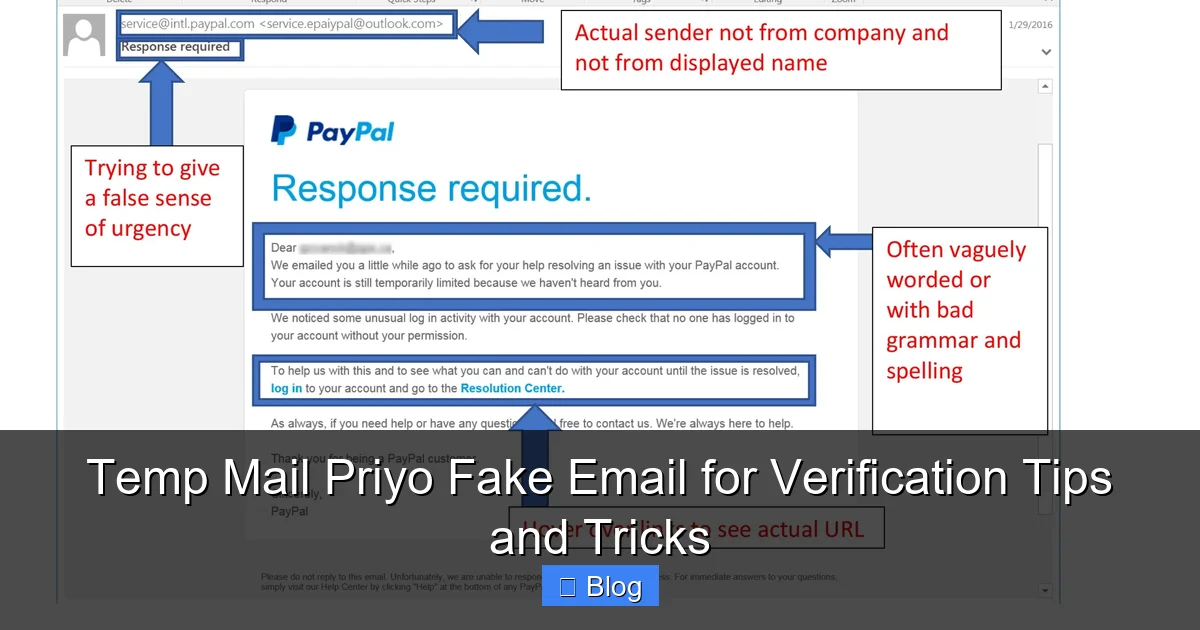
Visual guide about Temp Mail Priyo Fake Email for Verification Tips and Tricks
Image source: bitlyft.com
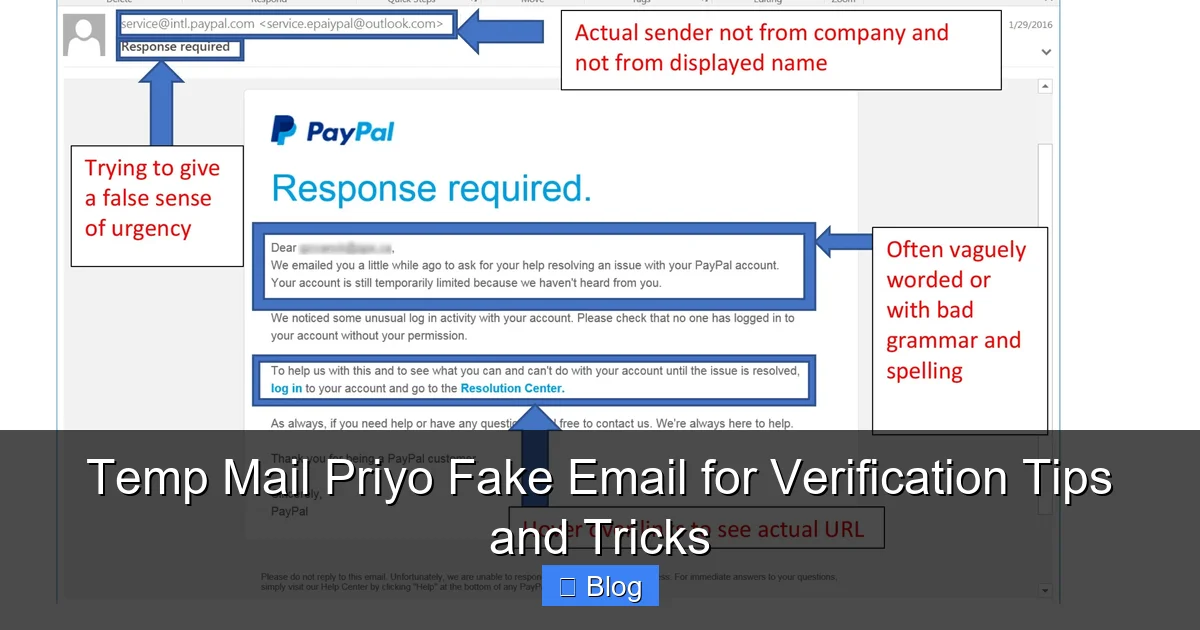
Visual guide about Temp Mail Priyo Fake Email for Verification Tips and Tricks
Image source: bitlyft.com
Step 2: Get Your Temporary Email Address
The moment the page loads, you’ll see a randomly generated email address. It might look something like [email protected]. This is your fake inbox. You can use it right away—no setup needed.
Step 3: Copy the Email and Use It for Verification
Head over to the website or app where you need to sign up. When it asks for your email, paste in the temp address. That’s it! The system will send a verification code or link to your fake inbox.
Step 4: Check the Temp Inbox for the Verification Message
Go back to the Temp Mail Priyo website. Refresh the page if needed. You’ll see the incoming email appear in your temporary inbox. Click on it to view the message, copy the code, or follow the link.
Step 5: Complete the Verification Process
Paste the code or click the link in the original app or website. You’re verified! Now you can use the service without ever exposing your real email.
Optional: Refresh or Generate a New Address
If you need a new email for another service, simply refresh the page or click “Generate New Email.” Each address is unique and works independently.
Pro tip: Some services block known temp email domains. If you get an error saying “email not allowed,” try generating a new address or use a different temp mail provider as a backup.
Benefits of Using Temp Mail Priyo
There’s a reason why millions of people rely on disposable email services like Temp Mail Priyo. The benefits go beyond just avoiding spam. Let’s break down why this tool is a game-changer for online privacy.
1. Instant Access, No Registration
Unlike traditional email services, Temp Mail Priyo requires zero setup. No forms, no passwords, no phone verification. You get an email address in seconds—perfect for when you’re in a rush.
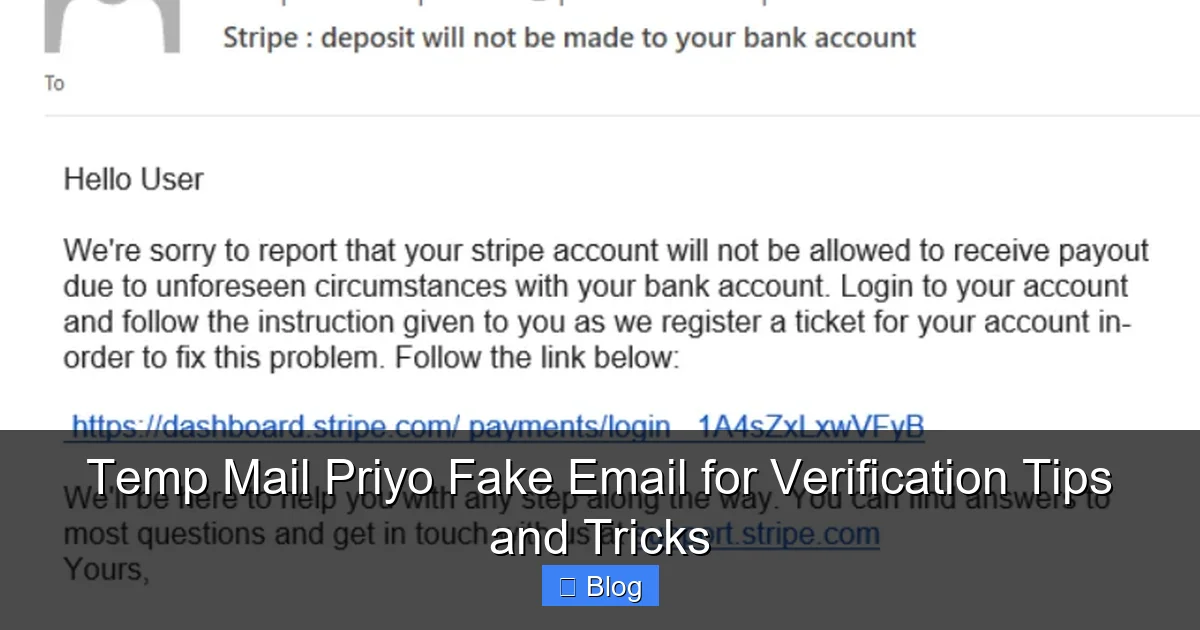
Visual guide about Temp Mail Priyo Fake Email for Verification Tips and Tricks
Image source: sectigostore.com
2. Complete Anonymity
Your real name, location, and personal details stay private. The service doesn’t track you or store your data (beyond the temporary inbox). This makes it ideal for users who value digital anonymity.
3. Protection from Spam and Phishing
By using a fake email, you prevent unwanted emails from flooding your main inbox. Even if the temp address gets leaked or sold, it won’t affect your personal accounts.
4. Safe Testing Environment
Developers, marketers, and testers use temp emails to simulate user behavior, test sign-up flows, or debug email systems—all without risking real user data.
5. No Risk of Account Lockouts
If you forget the password to a temp email account, it doesn’t matter—because there’s no password to begin with. You can just generate a new one and move on.
6. Works on Any Device
Whether you’re on a phone, tablet, or desktop, Temp Mail Priyo works seamlessly across all platforms. No app installation required—just a browser.
7. Free and Ad-Supported
The service is completely free to use. Revenue comes from non-intrusive ads, so you don’t have to pay a dime to protect your privacy.
Limitations and Risks to Be Aware Of
While Temp Mail Priyo fake email for verification is incredibly useful, it’s not a magic wand. There are some important limitations and risks to keep in mind before you start using it for everything.
1. Emails Expire Quickly
Most temporary emails last anywhere from 10 minutes to 24 hours. After that, the inbox disappears—along with any messages in it. This means you can’t use it for long-term accounts like banking, email recovery, or important subscriptions.
2. Not All Services Accept Temp Emails
Many reputable platforms—like Google, Facebook, or PayPal—block disposable email domains to prevent fraud. If you try to sign up with a temp email, you might get an error message saying “email not allowed.”
3. No Recovery Options
Since there’s no login or password, you can’t recover a lost temp email. If you close the tab or lose the address, it’s gone forever. Always copy the email before using it.
4. Potential for Misuse
Unfortunately, some people use temp emails for unethical purposes—like creating fake accounts, bypassing age restrictions, or spamming. While Temp Mail Priyo itself is neutral, it’s important to use it responsibly.
5. Security Concerns with Copycat Sites
Not all temp mail sites are safe. Some may contain malware, track your activity, or steal your data. Always use trusted providers and avoid clicking suspicious links.
6. Limited Storage and Features
Temp Mail Priyo is basic by design. You can’t send emails, organize messages, or set up filters. It’s purely for receiving verification codes and short-term use.
Best Practices for Safe and Effective Use
To get the most out of Temp Mail Priyo fake email for verification while staying safe, follow these simple best practices:
- Use It for the Right Purposes: Stick to one-time sign-ups, free trials, and testing. Avoid using it for anything important or long-term.
- Copy the Email Immediately: As soon as you get the address, copy it to your clipboard or note it down. Don’t rely on memory.
- Check for Compatibility: Before signing up, see if the service blocks temp emails. If it does, try a different provider or use a real email.
- Don’t Share Sensitive Info: Never enter credit card details, Social Security numbers, or other private data when using a temp email.
- Use HTTPS Only: Always make sure the Temp Mail Priyo site uses a secure connection (look for the padlock icon).
- Clear Your Browser Cache: After use, clear your browsing data to remove any traces of the temp email from your device.
- Combine with Other Privacy Tools: For extra protection, use a VPN, ad blocker, or privacy-focused browser like Brave or Firefox.
Alternatives to Temp Mail Priyo
While Temp Mail Priyo is a solid choice, it’s not the only option out there. If you run into issues or want more features, consider these popular alternatives:
- 10 Minute Mail: One of the oldest and most trusted temp email services. Emails last up to 10 minutes, with the option to extend.
- Guerrilla Mail: Offers temporary emails with a custom username option. Great for quick, anonymous use.
- Mail.tm: A modern alternative with a clean interface and support for multiple domains.
- Temp-Mail.org: Allows you to create custom email addresses and offers browser extensions for easy access.
- ProtonMail (Disposable Addresses): While not fully temporary, ProtonMail lets you create aliases for added privacy.
Each has its own strengths, so it’s worth trying a few to see which fits your needs best.
Conclusion
In a world where your email is your digital passport, protecting it has never been more important. Temp Mail Priyo fake email for verification offers a simple, fast, and free way to keep your real inbox safe from spam, scams, and unwanted attention. Whether you’re testing a new app, signing up for a free trial, or just want to stay anonymous online, this tool puts you in control.
It’s not perfect—emails expire, some sites block them, and it’s not for long-term use—but for quick, secure verification, it’s hard to beat. Just remember to use it wisely, avoid sensitive data, and always double-check the site’s legitimacy.
So the next time you’re about to hand over your email to a sketchy website, pause. Open Temp Mail Priyo, grab a fake address, and verify with confidence. Your inbox—and your peace of mind—will thank you.
Frequently Asked Questions
Is Temp Mail Priyo safe to use?
Yes, Temp Mail Priyo is generally safe for receiving verification emails and short-term use. However, avoid entering sensitive personal information, and always ensure you’re on the official website to avoid phishing scams.
Can I recover a lost temp email from Temp Mail Priyo?
No, you cannot recover a lost temp email. These addresses are temporary and not linked to any account. If you lose access, simply generate a new one.
Do all websites accept temp emails for verification?
No, many reputable sites like Google, Facebook, and banking platforms block disposable email domains. Always check if the service allows temp emails before signing up.
How long do emails last in Temp Mail Priyo?
Emails typically last between 10 minutes and 24 hours, depending on activity. Once the inbox expires, all messages are permanently deleted.
Can I send emails using Temp Mail Priyo?
No, Temp Mail Priyo is designed only for receiving emails. You cannot send messages or reply to incoming emails.
Is using a fake email for verification illegal?
Using a temp email for legitimate purposes like avoiding spam or testing apps is legal. However, using it to commit fraud, bypass age restrictions, or create fake identities may violate terms of service or laws.
Leave a Reply