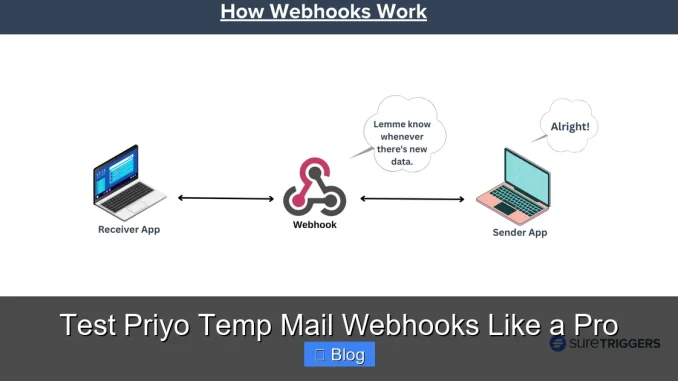
Testing Priyo Temp Mail webhooks doesn’t have to be complicated. With the right tools and strategies, you can simulate real-world scenarios, debug issues faster, and ensure your integrations work flawlessly—every time.
Key Takeaways
- Understand how Priyo Temp Mail webhooks work: They send real-time notifications when new emails arrive, enabling automated workflows.
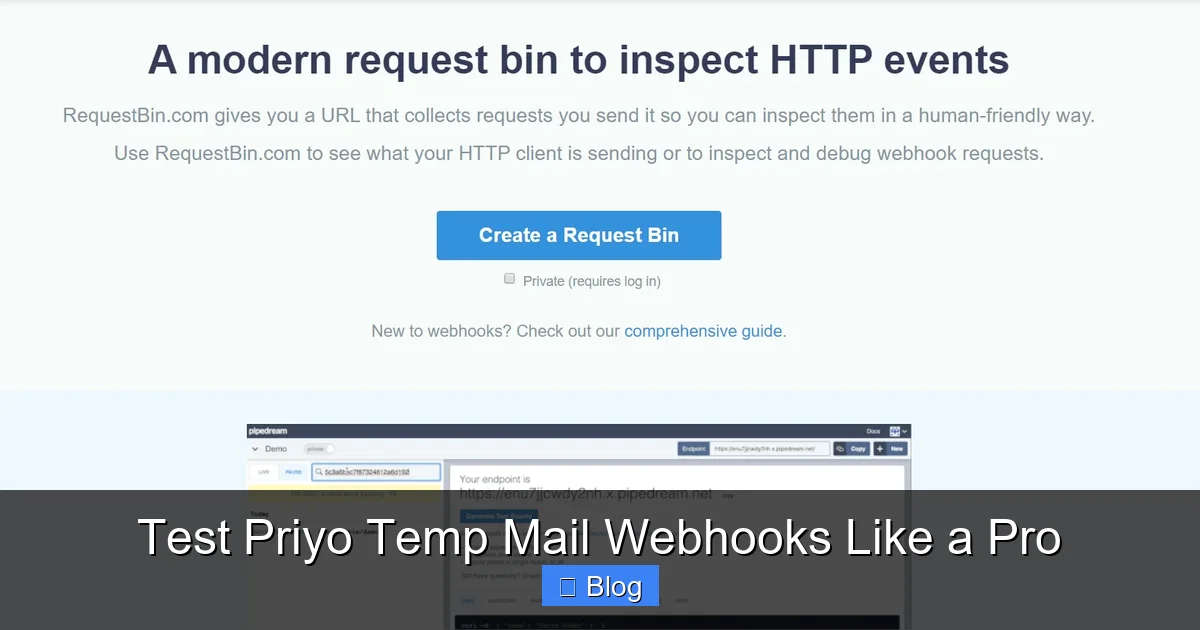
- Use secure, public endpoints for testing: Tools like ngrok or RequestBin let you expose local servers to the internet safely.
- Simulate email events manually: Trigger test payloads to mimic real email deliveries and verify your system’s response.
- Validate payload structure and security: Always check headers, signatures, and data integrity to prevent spoofing or errors.
- Automate repetitive tests: Use scripts or tools like Postman to run consistent, repeatable webhook tests.
- Monitor and log responses: Keep detailed logs to troubleshoot failures and improve reliability over time.
- Test edge cases and error handling: Don’t just test success—simulate timeouts, malformed data, and server errors.
📑 Table of Contents
Why Webhook Testing Matters for Priyo Temp Mail
If you’re building apps or services that rely on temporary email addresses—like user registration systems, spam filters, or automated verification tools—you’ve probably come across Priyo Temp Mail. It’s a popular service that generates disposable email addresses and delivers incoming messages via webhooks. But here’s the catch: **webhooks only work if they’re tested properly**.
Imagine this: You set up a webhook to trigger when a new email arrives at a temporary address. Your app is supposed to parse the message, extract a verification link, and complete a user sign-up. Sounds great—until the webhook fails silently, and users get stuck in limbo. That’s why testing isn’t optional. It’s essential.
Webhooks are like digital doorbells. When someone (or something) rings, your system needs to answer—correctly and quickly. With Priyo Temp Mail, that “ring” happens whenever an email is sent to a temp address. Your server must be ready to receive, validate, and process that data in real time. Without thorough testing, you risk broken workflows, security gaps, and frustrated users.
How Priyo Temp Mail Webhooks Work
Visual guide about Test Priyo Temp Mail Webhooks Like a Pro
Image source: lh7-us.googleusercontent.com
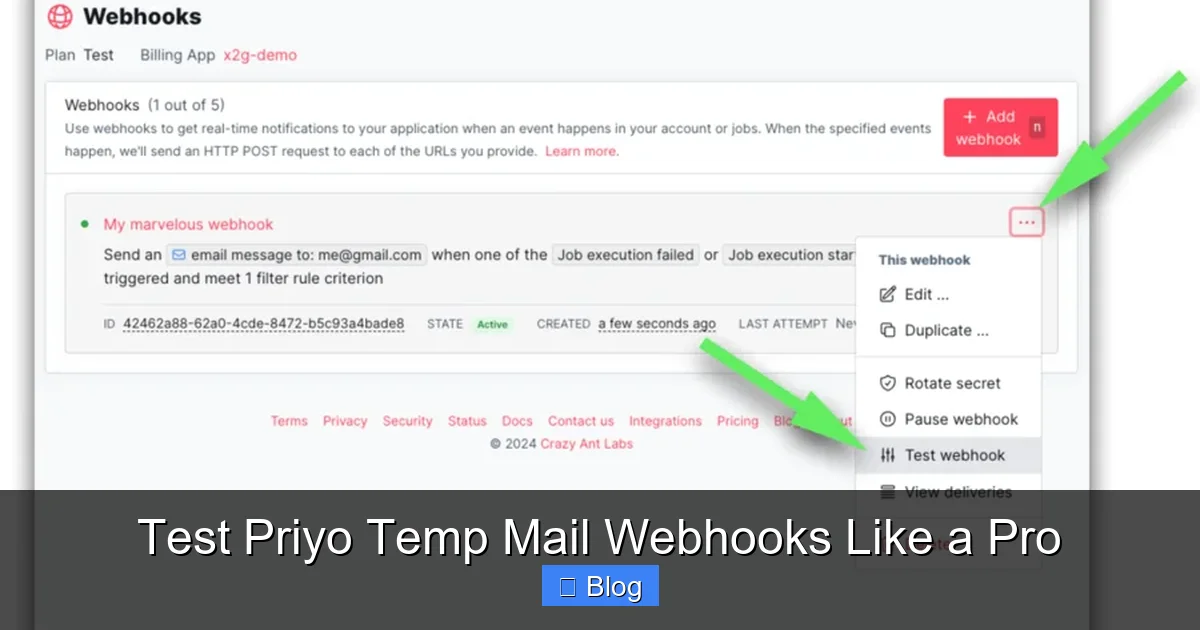
Before diving into testing, let’s clarify how Priyo Temp Mail webhooks function. When you create a temporary email address through Priyo, you can register a webhook URL. This URL is essentially a callback endpoint on your server. Whenever an email is sent to that temp address, Priyo sends an HTTP POST request to your URL with the email data in JSON format.
The payload typically includes:
– The sender’s email address
– Subject line
– Email body (plain text and/or HTML)
– Timestamp
– Unique message ID
Your server then processes this data—maybe extracting a confirmation link, logging the message, or triggering another action. But here’s the thing: **Priyo doesn’t retry failed deliveries by default**. If your server is down or returns an error, the webhook is lost. That’s why testing isn’t just about making it work—it’s about making it resilient.
Real-World Use Cases
Let’s look at a few scenarios where Priyo Temp Mail webhooks shine:
– **User onboarding:** Automatically verify new users by sending a confirmation email to a temp address and capturing the response.
– **Spam detection:** Monitor temp inboxes for suspicious patterns and flag potential abuse.
– **Automated testing:** Simulate email workflows in staging environments without using real user accounts.
– **Data parsing:** Extract codes, links, or attachments from incoming emails for further processing.
In each case, the webhook acts as the bridge between Priyo and your application. If that bridge collapses, your entire workflow does too.
Setting Up Your Testing Environment
Visual guide about Test Priyo Temp Mail Webhooks Like a Pro
Image source: lh5.googleusercontent.com
Now that you understand the basics, let’s get your testing environment ready. The goal is to create a safe, controllable space where you can simulate webhook events without affecting production systems.
Step 1: Create a Local Webhook Receiver
Start by building a simple HTTP server that can receive POST requests. You can use any backend language—Node.js, Python, PHP, or Ruby. Here’s a quick example using Node.js and Express:
“`javascript
const express = require(‘express’);
const app = express();
app.use(express.json());
app.post(‘/webhook’, (req, res) => {
console.log(‘Webhook received:’, req.body);
res.status(200).send(‘OK’);
});
app.listen(3000, () => {
console.log(‘Server running on http://localhost:3000’);
});
“`
This script listens on port 3000 and logs any incoming webhook data. It’s simple, but it’s a solid foundation.
Step 2: Expose Your Local Server to the Internet
Priyo Temp Mail can’t send webhooks to `localhost`. You need a public URL. That’s where tools like **ngrok** come in. Ngrok creates a secure tunnel from the internet to your local machine.
Install ngrok (https://ngrok.com), then run:
“`bash
ngrok http 3000
“`
You’ll get a public URL like `https://abc123.ngrok.io`. Use this as your webhook endpoint in Priyo Temp Mail. Now, when an email arrives, Priyo will send the data to your local server via the ngrok tunnel.
Step 3: Secure Your Endpoint
Even in testing, security matters. Priyo may include a signature header (like `X-Priyo-Signature`) to verify the request came from them. Always validate this signature using a shared secret. Here’s how you might do it in Node.js:
“`javascript
const crypto = require(‘crypto’);
function verifySignature(payload, signature, secret) {
const expected = crypto
.createHmac(‘sha256’, secret)
.update(JSON.stringify(payload))
.digest(‘hex’);
return signature
Frequently Asked Questions
What is a webhook in Priyo Temp Mail?
A webhook in Priyo Temp Mail is an HTTP callback that sends real-time data to your server whenever a new email arrives at a temporary address. It allows your app to react instantly—like verifying a user or parsing a message—without polling for updates.
How do I test Priyo Temp Mail webhooks locally?
Use a local server (like Node.js or Python) to receive webhooks, then expose it to the internet with ngrok. This gives you a public URL that Priyo can send data to, letting you test safely on your machine.
Can I simulate webhook events without real emails?
Yes! Use tools like cURL, Postman, or custom scripts to send mock payloads to your webhook endpoint. This lets you test different email types, errors, and edge cases without waiting for actual messages.
How do I secure my Priyo Temp Mail webhook?
Validate the `X-Priyo-Signature` header using a shared secret to ensure requests come from Priyo. Also check timestamps to prevent replay attacks and use HTTPS for all endpoints.
What should I do if my webhook fails?
Check your server logs for errors, verify your endpoint is reachable, and ensure you’re returning a 2xx status code. If the issue persists, test with a tool like Postman to isolate the problem.
How can I automate webhook testing?
Write scripts that send test payloads, integrate tests into your CI/CD pipeline, and use tools like Postman collections or Jest to run them automatically on every code change.
Leave a Reply