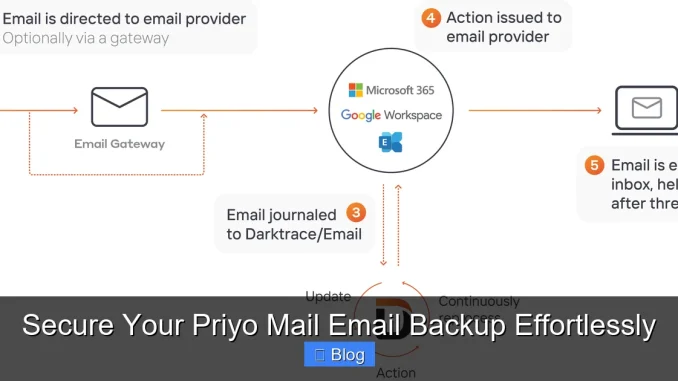
Backing up your Priyo Mail emails is essential to protect important communications, documents, and contacts from accidental deletion or system failures. With the right tools and strategies, you can secure your Priyo Mail email backup effortlessly and enjoy peace of mind knowing your data is safe and recoverable.
Key Takeaways
- Why Backup Matters: Email data loss can happen anytime due to hacking, accidental deletion, or server issues—backing up your Priyo Mail ensures you never lose critical information.
- Automated Backups Save Time: Use tools that support scheduled backups so you don’t have to remember to manually save your emails every week.
- Choose the Right Format: Save backups in universal formats like PST, MBOX, or PDF for easy access across devices and email platforms.
- Cloud vs. Local Storage: Cloud storage offers remote access and redundancy, while local backups give you full control—choose based on your needs.
- Encryption Is Crucial: Always encrypt your email backups to protect sensitive personal or business information from unauthorized access.
- Test Your Backups Regularly: A backup is only useful if it works—periodically verify that your files can be restored without errors.
- Free and Paid Tools Available: Explore both free software and premium services to find a Priyo Mail backup solution that fits your budget and requirements.
📑 Table of Contents
- Why You Need to Secure Your Priyo Mail Email Backup
- How Priyo Mail Works and Why Backups Are Essential
- Top Methods to Backup Your Priyo Mail Emails
- Choosing the Best Storage Option for Your Backup
- Best Practices for a Secure and Reliable Backup
- Free vs. Paid Backup Tools: What’s Right for You?
- Conclusion: Take Control of Your Digital Communications
Why You Need to Secure Your Priyo Mail Email Backup
Imagine waking up one morning to find your inbox empty. All your important emails—job offers, client contracts, family photos sent via email—gone in an instant. Sounds terrifying, right? Unfortunately, this isn’t just a nightmare scenario. Email data loss can happen to anyone, anytime, due to hacking, accidental deletion, software glitches, or even service outages.
Priyo Mail, a popular email service in Bangladesh and among Bengali-speaking communities, offers a user-friendly platform for personal and professional communication. But like any email provider, it’s not immune to technical failures or security breaches. That’s why securing your Priyo Mail email backup isn’t just a good idea—it’s a necessity.
Think of your emails as digital memories and records. They contain tax documents, school reports, travel confirmations, and heartfelt messages. Losing them could mean more than just inconvenience—it could disrupt your work, damage relationships, or even lead to financial loss. By creating regular backups, you’re essentially building a safety net. Whether you’re a student, freelancer, business owner, or just someone who values their digital life, backing up your Priyo Mail ensures you’re always prepared for the unexpected.
How Priyo Mail Works and Why Backups Are Essential
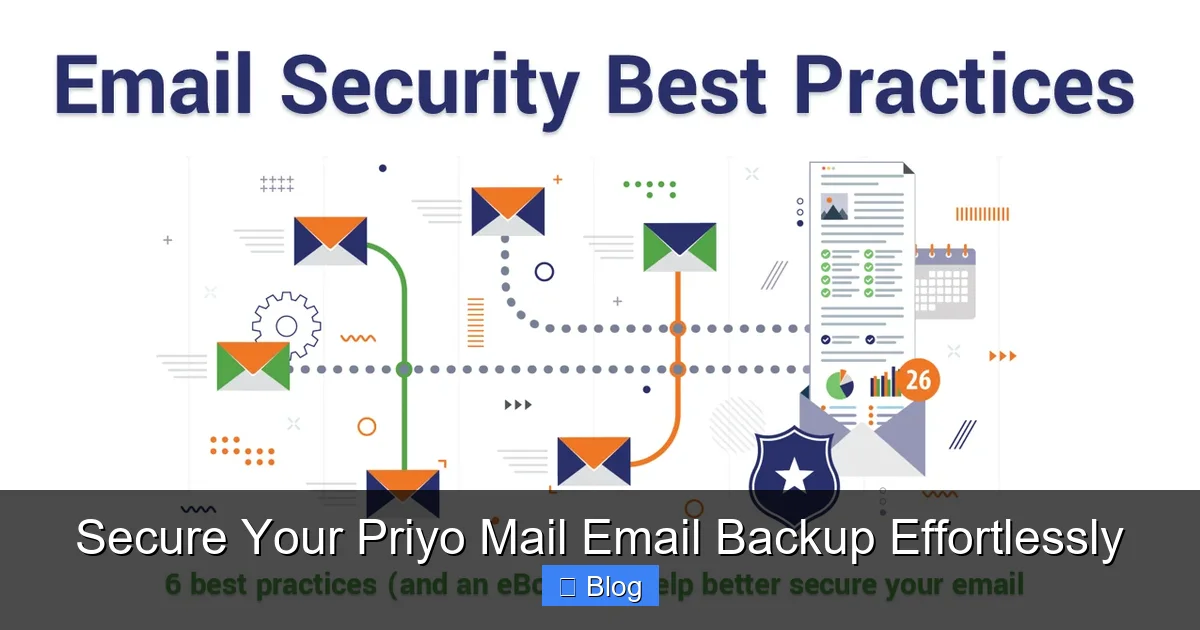
Visual guide about Secure Your Priyo Mail Email Backup Effortlessly
Image source: thesslstore.com
Priyo Mail operates similarly to other web-based email services like Gmail or Yahoo, but with a focus on regional accessibility and language support, particularly for Bengali users. It allows users to send, receive, and store emails directly through a web browser or email client. While the platform is reliable, it doesn’t automatically back up your data offsite or provide built-in export tools for full mailbox backups.
This means that if your account gets compromised, suspended, or accidentally deleted, there’s no official recovery option beyond what’s currently in your inbox. Once emails are gone from the server, they’re often gone for good. That’s where a proactive backup strategy becomes critical.
Common Causes of Email Loss
- Accidental Deletion: It’s easy to hit “delete” by mistake, especially when cleaning up a cluttered inbox.
- Account Hacking: Weak passwords or phishing attacks can give hackers access to your account, leading to mass deletions or data theft.
- Server Downtime or Migration: If Priyo Mail undergoes maintenance or changes its infrastructure, temporary access issues may result in data loss.
- Device Failure: If you rely solely on one device to access your emails and it crashes, you could lose unsaved drafts or cached messages.
By creating a secure Priyo Mail email backup, you take control of your data. You’re no longer at the mercy of the service provider’s policies or technical limitations. Instead, you own a copy of your communications, ready to be restored whenever needed.
Top Methods to Backup Your Priyo Mail Emails
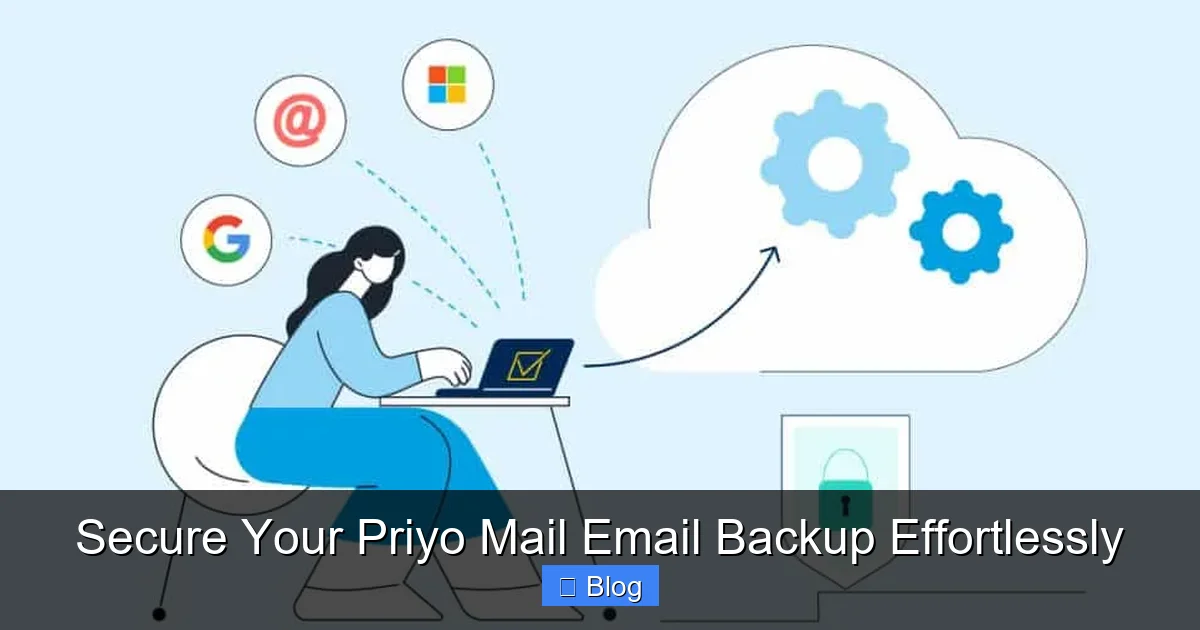
Visual guide about Secure Your Priyo Mail Email Backup Effortlessly
Image source: dropsuite.com
There are several ways to back up your Priyo Mail emails, ranging from simple manual exports to automated software solutions. The best method depends on your technical comfort level, how many emails you have, and how often you want to back them up.
Method 1: Manual Export Using Email Clients
One of the most straightforward ways to back up your emails is by using an email client like Microsoft Outlook, Mozilla Thunderbird, or Apple Mail. These programs allow you to connect your Priyo Mail account via IMAP or POP3 and download all your messages to your computer.
Here’s how it works:
- Set up your Priyo Mail account in your preferred email client using the correct server settings (usually provided on Priyo Mail’s support page).
- Once connected, all your emails will sync to your local device.
- Use the client’s export feature to save your mailbox as a PST (Outlook), MBOX (Thunderbird), or EML file.
This method gives you full control over your data and doesn’t require third-party tools. However, it’s time-consuming and must be repeated manually unless you set up rules or scripts.
Method 2: Use Dedicated Email Backup Software
For a more efficient and automated solution, consider using specialized email backup software. Tools like Mailbird, SysTools Email Backup, or Aid4Mail support multiple email providers—including custom domains like Priyo Mail—and can schedule regular backups.
These programs offer features such as:
- One-click backup of entire mailboxes
- Scheduled daily, weekly, or monthly backups
- Compression to save storage space
- Encryption for security
- Export to multiple formats (PST, MBOX, PDF, etc.)
For example, if you receive hundreds of emails per week, manually exporting them every month isn’t practical. A backup tool can run in the background, quietly saving your data without interrupting your workflow.
Method 3: Forward Emails to Another Account
A simple but effective strategy is to set up email forwarding from your Priyo Mail account to a secondary email address—like Gmail or Outlook. This way, every incoming and outgoing message is automatically copied to the backup account.
To do this:
- Log in to your Priyo Mail account.
- Go to Settings > Forwarding.
- Enter the email address where you want messages forwarded.
- Choose whether to keep a copy in your Priyo Mail inbox or delete it after forwarding.
While this method ensures real-time backup, it doesn’t preserve folder structures or metadata. Also, if your primary account is compromised, the attacker might disable forwarding. So, it’s best used as a supplementary method, not your only backup.
Choosing the Best Storage Option for Your Backup
Visual guide about Secure Your Priyo Mail Email Backup Effortlessly
Image source: reverbtimemag.com
Once you’ve decided how to back up your emails, the next step is choosing where to store them. Your storage choice affects accessibility, security, and long-term reliability.
Local Storage: Hard Drives and USBs
Saving backups on an external hard drive or USB flash drive gives you complete control over your data. It’s fast, doesn’t require internet, and keeps your information offline—making it harder for hackers to access.
However, local storage has downsides:
- Devices can fail, get lost, or damaged by fire or water.
- You must manually update backups regularly.
- Access is limited to the device where the backup is stored.
Tip: Use the 3-2-1 backup rule—keep three copies of your data, on two different media, with one copy offsite (like a cloud service).
Cloud Storage: Google Drive, Dropbox, or OneDrive
Cloud storage offers convenience and redundancy. Services like Google Drive or Dropbox automatically sync your files across devices and provide version history, so you can recover older versions if needed.
Advantages include:
- Accessible from anywhere with an internet connection
- Automatic syncing and backup reminders
- Built-in encryption and security features
- Scalable storage plans (free tiers available)
Just remember to enable two-factor authentication (2FA) on your cloud account and encrypt sensitive backup files before uploading.
Hybrid Approach: Best of Both Worlds
Many users combine local and cloud storage for maximum protection. For instance, you might save a daily backup to an external drive and upload a weekly encrypted copy to the cloud. This way, you’re covered even if one method fails.
Best Practices for a Secure and Reliable Backup
Creating a backup is only half the battle—keeping it secure and usable is just as important. Follow these best practices to ensure your Priyo Mail email backup remains effective over time.
Encrypt Your Backup Files
Emails often contain sensitive information—bank details, personal conversations, business contracts. If your backup falls into the wrong hands, it could lead to identity theft or privacy breaches.
Always encrypt your backup files using strong passwords and AES-256 encryption. Most backup software includes this feature. If not, use tools like 7-Zip or VeraCrypt to password-protect your archives.
Schedule Regular Backups
Don’t wait until disaster strikes. Set up automatic backups to run weekly or monthly, depending on how frequently you use your email. Consistency is key—missing even one backup cycle could mean losing important data.
Test Your Backups Annually
A backup is useless if it can’t be restored. Once a year, try opening your backup file on a different device or email client. Check that emails, attachments, and folders are intact. This simple test can save you from future headaches.
Label and Organize Your Backup Files
Name your backup files clearly, such as “PriyoMail_Backup_2024-06-15.zip”. Store them in a dedicated folder with subfolders by year or month. This makes it easy to find the right version when needed.
Update Your Backup Strategy as Needed
As your email usage grows, so should your backup plan. If you start receiving more attachments or handling sensitive projects, consider upgrading to a paid backup service with advanced features like incremental backups or cloud integration.
Free vs. Paid Backup Tools: What’s Right for You?
When it comes to choosing a backup solution, you’ll find both free and paid options. Each has its pros and cons.
Free Tools
Free software like Thunderbird (with manual export) or online converters can get the job done for basic needs. They’re great for occasional backups or users with small mailboxes.
However, free tools often lack automation, customer support, and advanced security features. They may also include ads or limited export formats.
Paid Tools
Premium backup software offers reliability, ease of use, and peace of mind. For a small annual fee (often under $50), you get:
- Automated scheduling
- 24/7 customer support
- Multi-format export
- Strong encryption
- Incremental backups (only saving new emails)
If you rely heavily on your Priyo Mail for work or personal organization, investing in a paid tool is worth it. Think of it as insurance for your digital life.
Conclusion: Take Control of Your Digital Communications
Your emails are more than just messages—they’re records of your life, work, and relationships. Losing them can be stressful, costly, and sometimes irreversible. But with a little planning, you can secure your Priyo Mail email backup effortlessly and protect yourself from data loss.
Start by choosing a backup method that fits your lifestyle—whether it’s using an email client, dedicated software, or cloud forwarding. Store your backups securely, encrypt sensitive files, and test them regularly. And remember, consistency is key. A backup done once isn’t enough; it’s the ongoing habit that truly safeguards your data.
Don’t wait for a crisis to act. Take five minutes today to set up your first Priyo Mail backup. Your future self will thank you.
Frequently Asked Questions
Can I back up my Priyo Mail emails for free?
Yes, you can back up your Priyo Mail emails for free using email clients like Mozilla Thunderbird or by manually forwarding emails to another account. However, free methods often require more effort and lack automation.
What file format should I use for my email backup?
Common formats include PST (for Outlook), MBOX (for Thunderbird), and PDF (for read-only access). Choose based on how you plan to use the backup—PST and MBOX are best for restoring emails, while PDF is ideal for archiving.
How often should I back up my Priyo Mail emails?
It depends on your usage. If you receive important emails daily, back up weekly. For lighter use, monthly backups may suffice. Automated tools can help maintain consistency.
Is it safe to store email backups in the cloud?
Yes, as long as you use reputable services like Google Drive or Dropbox and enable encryption and two-factor authentication. Always encrypt sensitive files before uploading.
What happens if I lose access to my Priyo Mail account?
If you’ve created a backup, you can restore your emails to a new account or device. Without a backup, recovery options are limited and often unsuccessful.
Can I restore my backup to a different email provider?
Yes, most backup formats (like PST or MBOX) are compatible with major email platforms. You can import your backup into Gmail, Outlook, or Yahoo using their import tools.
Leave a Reply