Managing bulk email campaigns doesn’t have to be complicated or expensive. Priyo Mail offers a user-friendly platform that simplifies mass emailing while delivering strong results. Whether you’re a small business owner, marketer, or nonprofit, Priyo Mail helps you reach more people—without the tech headaches.
Key Takeaways
- Easy-to-use interface: Priyo Mail’s intuitive design lets you create and send bulk emails in minutes—no coding or design skills needed.
- Affordable pricing: Get powerful email marketing tools at a fraction of the cost of premium platforms, perfect for startups and small teams.
- High deliverability rates: Built-in spam filters and domain authentication help your emails land in inboxes, not junk folders.
- Customizable templates: Choose from professionally designed email templates and personalize them to match your brand.
- Real-time analytics: Track opens, clicks, bounces, and unsubscribes to measure campaign success and improve future sends.
- List management tools: Organize, segment, and clean your email lists to boost engagement and reduce bounce rates.
- 24/7 customer support: Get help when you need it with responsive support via chat, email, or knowledge base.
📑 Table of Contents
- What Is Priyo Mail and Why Should You Use It for Bulk Email Sending?
- How Priyo Mail Simplifies the Bulk Email Process
- Affordable Pricing That Fits Your Budget
- High Deliverability: Getting Your Emails to the Inbox
- Customization and Branding Made Easy
- Advanced Features for Smarter Campaigns
- Real-World Examples: How Businesses Use Priyo Mail
- Tips for Maximizing Your Bulk Email Success
- Conclusion: Why Priyo Mail Is the Smart Choice for Bulk Email
What Is Priyo Mail and Why Should You Use It for Bulk Email Sending?
If you’ve ever tried sending emails to a large group—like customers, subscribers, or event attendees—you know how quickly things can get messy. Between formatting issues, spam filters, and tracking responses, bulk emailing can feel more like a chore than a strategy. That’s where Priyo Mail steps in to save the day.
Priyo Mail is a powerful yet affordable email marketing platform designed to make bulk email sending simple, efficient, and effective. Whether you’re promoting a new product, sharing a newsletter, or sending event invitations, Priyo Mail gives you the tools to do it right—without breaking the bank or your sanity.
Unlike many enterprise-level platforms that come with steep learning curves and high price tags, Priyo Mail focuses on simplicity and value. It’s built for small to medium-sized businesses, entrepreneurs, nonprofits, and even individuals who want to stay connected with their audience. With drag-and-drop editors, smart automation, and real-time insights, you can launch professional campaigns in minutes—not hours.
How Priyo Mail Simplifies the Bulk Email Process
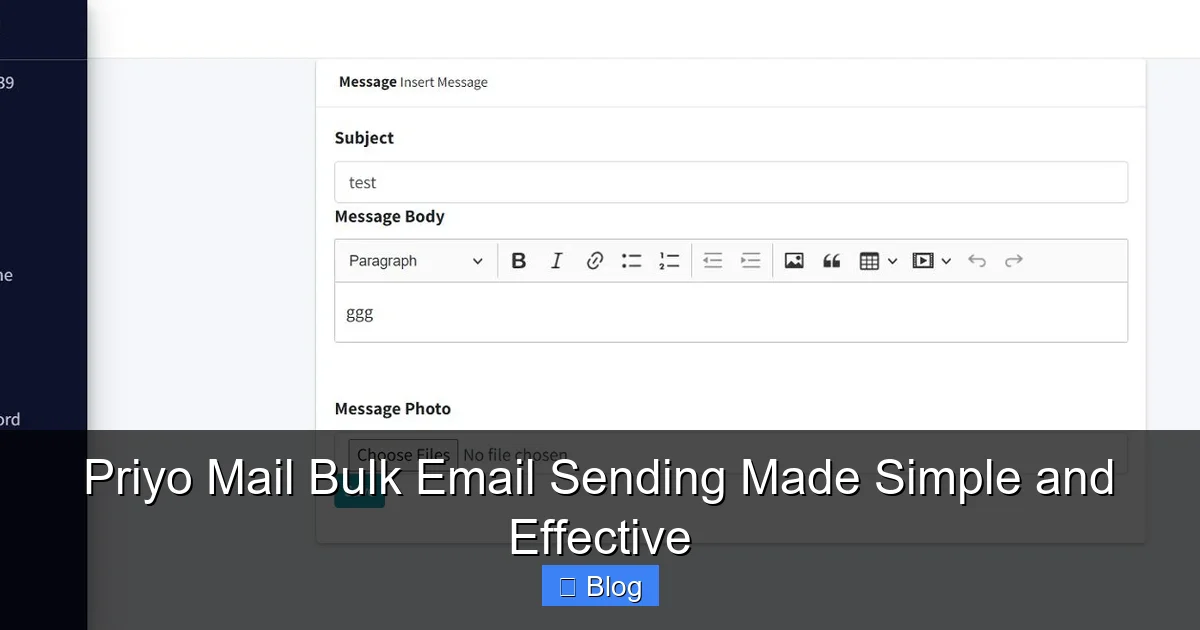
One of the biggest pain points in email marketing is the setup. From designing the email to managing your list and tracking results, it’s easy to get overwhelmed. Priyo Mail removes those barriers by offering a streamlined, step-by-step experience.
Visual guide about Priyo Mail Bulk Email Sending Made Simple and Effective
Image source: codester.com
Step 1: Import or Build Your Email List
Getting started is as easy as uploading a CSV file or manually adding contacts. Priyo Mail supports multiple formats and even lets you import from popular platforms like Google Contacts or Excel. You can also create sign-up forms to grow your list organically through your website or social media.
Step 2: Choose a Template or Start from Scratch
Priyo Mail offers a library of responsive, mobile-friendly email templates. These are pre-designed with clean layouts, readable fonts, and balanced spacing—perfect for newsletters, promotions, announcements, and more. If you prefer full control, you can build your email from scratch using the drag-and-drop editor.
Step 3: Personalize Your Message
Personalization boosts engagement. Priyo Mail lets you insert merge tags (like {{First Name}}) so each recipient sees a customized message. You can also segment your list based on location, behavior, or past interactions to send more relevant content.
Step 4: Schedule or Send Immediately
Once your email is ready, you can send it right away or schedule it for the best time. Priyo Mail’s analytics suggest optimal send times based on your audience’s behavior, helping you maximize open rates.
Step 5: Track Performance in Real Time
After sending, Priyo Mail provides detailed reports on opens, clicks, bounces, and unsubscribes. You can see which links got the most clicks and which segments responded best—giving you actionable insights for future campaigns.
Affordable Pricing That Fits Your Budget
One of the standout features of Priyo Mail is its affordability. While platforms like Mailchimp or Constant Contact can cost hundreds of dollars per month for advanced features, Priyo Mail offers competitive pricing with no hidden fees.
Visual guide about Priyo Mail Bulk Email Sending Made Simple and Effective
Image source: registrationmagic.com
For example, their starter plan allows you to send up to 10,000 emails per month for a low monthly fee—perfect for small businesses just getting started. As your list grows, you can upgrade to higher tiers with more features like automation, A/B testing, and advanced segmentation.
There’s also a free trial available, so you can test the platform before committing. This makes Priyo Mail ideal for entrepreneurs, freelancers, and nonprofits operating on tight budgets.
Plus, unlike some competitors that charge per contact, Priyo Mail’s pricing is based on the number of emails sent. This means you can have a large list but only pay for the emails you actually send—saving you money if you don’t email your entire list every month.
High Deliverability: Getting Your Emails to the Inbox
No matter how beautiful your email is, it’s useless if it ends up in the spam folder. That’s why deliverability is a top priority for Priyo Mail.
Visual guide about Priyo Mail Bulk Email Sending Made Simple and Effective
Image source: influenctor.com
The platform uses advanced spam detection tools and follows email best practices to ensure your messages reach the inbox. It supports SPF, DKIM, and DMARC authentication—key protocols that verify your domain and reduce the risk of being flagged as spam.
Additionally, Priyo Mail monitors blacklists and provides feedback if your domain or IP is at risk. They also offer tips on improving sender reputation, such as avoiding spammy words (like “FREE!!!” or “Act now!”) and maintaining a clean email list.
For example, if you’re sending a promotional email about a sale, Priyo Mail’s editor will flag overly aggressive language and suggest softer alternatives. This proactive approach helps maintain high deliverability rates—often above 95% for active users.
Customization and Branding Made Easy
Your emails should reflect your brand—not look like they were sent from a generic template. Priyo Mail understands this and gives you full control over design and branding.
Drag-and-Drop Editor
The intuitive editor lets you add images, buttons, videos, and text blocks with just a few clicks. You can resize elements, change colors, and adjust fonts to match your brand guidelines. No HTML knowledge required.
Custom HTML Option
For advanced users, Priyo Mail allows you to insert custom HTML code. This is great if you have a designer who’s already created an email template and you want to import it directly.
Brand Kits
Save your logo, brand colors, and fonts in a “Brand Kit” so you can apply them instantly to every email. This ensures consistency across campaigns and saves time during setup.
Mobile Optimization
Over 60% of emails are opened on mobile devices. Priyo Mail’s templates are fully responsive, meaning they look great on phones, tablets, and desktops. You can even preview how your email will appear on different devices before sending.
Advanced Features for Smarter Campaigns
While Priyo Mail is simple to use, it doesn’t skimp on advanced features. These tools help you run smarter, more effective campaigns.
Email Automation
Set up automated email sequences based on user actions. For example, send a welcome email when someone subscribes, followed by a series of onboarding messages over the next week. You can also trigger emails based on birthdays, anniversaries, or purchase history.
A/B Testing
Test different subject lines, content, or send times to see what works best. Priyo Mail lets you split your audience and compare results, so you can optimize future campaigns for higher engagement.
List Segmentation
Not all subscribers are the same. Segment your list by location, purchase behavior, engagement level, or custom tags. This allows you to send targeted messages that resonate with each group.
Unsubscribe Management
Priyo Mail makes it easy to comply with email regulations like GDPR and CAN-SPAM. Every email includes an unsubscribe link, and the platform automatically removes unsubscribed users from future sends.
API and Integrations
Connect Priyo Mail with your CRM, e-commerce platform, or website using their API. Popular integrations include WordPress, Shopify, and Zapier, making it easy to sync data and automate workflows.
Real-World Examples: How Businesses Use Priyo Mail
Let’s look at a few real-world scenarios where Priyo Mail has made a difference.
Local Bakery Boosts Sales
A small bakery in Dhaka used Priyo Mail to send weekly newsletters featuring new pastries and weekend specials. By segmenting their list into “regular customers” and “first-time visitors,” they sent personalized offers. Result? A 30% increase in weekend foot traffic and a 20% rise in online orders.
Nonprofit Raises More Donations
A charity organization used Priyo Mail to send donation appeals during a crisis. They used automation to send a follow-up email to those who opened but didn’t click. The second email included a video testimonial, which led to a 40% increase in donations compared to previous campaigns.
Freelancer Builds Client Base
A freelance graphic designer used Priyo Mail to send a monthly portfolio update to past clients and prospects. By including a clear call-to-action (“Book a free consultation”), they landed three new projects in one month—all from email outreach.
Tips for Maximizing Your Bulk Email Success
Even with the best tools, your strategy matters. Here are some proven tips to get the most out of Priyo Mail:
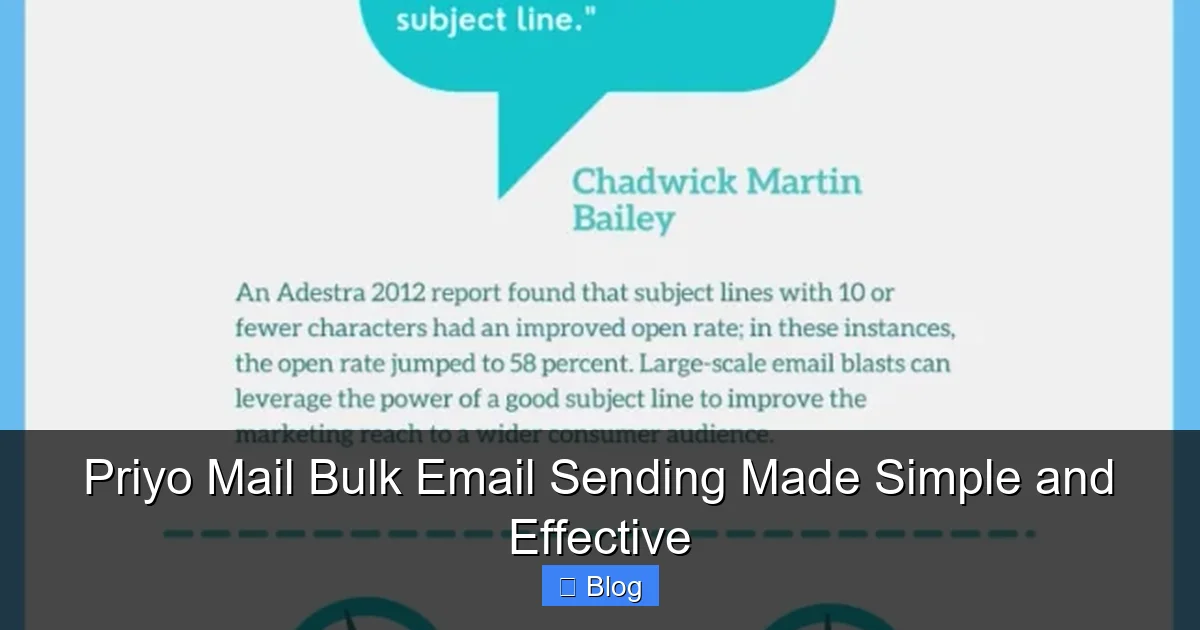
- Keep subject lines short and compelling: Aim for 40-50 characters. Use urgency or curiosity, like “Last Chance: 50% Off Ends Tonight!”
- Focus on one goal per email: Whether it’s a sale, sign-up, or download, don’t overload your message.
- Use clear calls-to-action: Buttons like “Shop Now” or “Learn More” stand out and drive clicks.
- Test before you send: Always preview your email on different devices and send a test to yourself.
- Clean your list regularly: Remove inactive or bounced emails to improve deliverability and engagement.
- Monitor your metrics: Pay attention to open rates, click-through rates, and unsubscribe rates to refine your strategy.
Conclusion: Why Priyo Mail Is the Smart Choice for Bulk Email
In a world where attention is scarce and inboxes are crowded, sending effective bulk emails is both an art and a science. Priyo Mail combines the simplicity of a beginner-friendly tool with the power of advanced features—all at a price that makes sense.
Whether you’re sending your first newsletter or scaling up your email marketing, Priyo Mail removes the complexity and puts you in control. With high deliverability, smart automation, and real-time insights, it’s more than just an email sender—it’s a growth partner.
So if you’re ready to take your email marketing to the next level without the stress or expense, give Priyo Mail a try. Your audience—and your results—will thank you.
Frequently Asked Questions
What is Priyo Mail?
Priyo Mail is an email marketing platform that simplifies bulk email sending for businesses, nonprofits, and individuals. It offers tools for creating, sending, and tracking email campaigns with ease.
How much does Priyo Mail cost?
Priyo Mail offers affordable pricing plans starting with a free trial. Paid plans are based on the number of emails sent, making it budget-friendly for small to medium-sized users.
Can I use my own email domain with Priyo Mail?
Yes, Priyo Mail supports custom domains and helps you set up SPF, DKIM, and DMARC for better deliverability and brand authenticity.
Does Priyo Mail support automation?
Absolutely. You can set up automated email sequences based on user actions like sign-ups, purchases, or birthdays to nurture leads and customers.
How do I track the performance of my emails?
Priyo Mail provides real-time analytics showing opens, clicks, bounces, and unsubscribes. You can use this data to improve future campaigns.
Is Priyo Mail suitable for beginners?
Yes! Priyo Mail is designed with simplicity in mind. Its drag-and-drop editor, pre-built templates, and guided setup make it easy for anyone to start sending professional emails quickly.
Leave a Reply