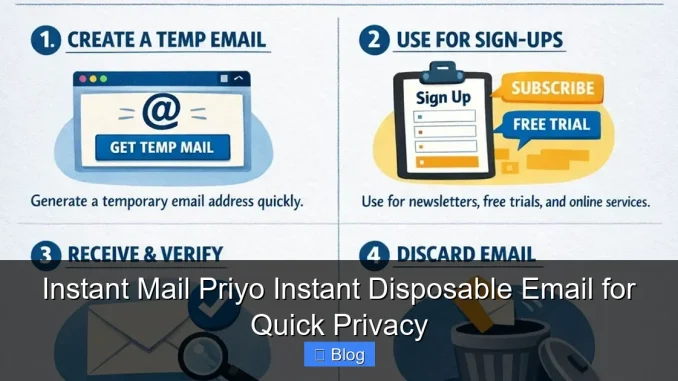
Instant Mail Priyo is a free, easy-to-use disposable email service that helps you protect your real inbox from spam and unwanted messages. Whether you’re signing up for a trial, downloading a free guide, or testing a new app, Priyo gives you instant privacy—no registration, no downloads, and no tracking.
Key Takeaways
- Instant Access: Get a temporary email address in seconds—no sign-up required.
- Enhanced Privacy: Keep your real email safe from spam, phishing, and data leaks.
- No Downloads or Apps: Works directly in your browser, on any device.
- Auto-Refresh Inbox: See new messages instantly without manual checks.
- Free and Ad-Free: Use it as much as you want, with no hidden costs or distractions.
- Perfect for Testing: Ideal for developers, marketers, and everyday users who want to test services safely.
- Self-Destructing Emails: Messages expire automatically, reducing long-term digital clutter.
📑 Table of Contents
What Is Instant Mail Priyo?
In today’s digital world, your email address is like your home address—it’s personal, and you don’t want just anyone showing up uninvited. But let’s be honest: almost every website, app, or online service asks for your email to sign up, download a file, or access a free trial. That’s where Instant Mail Priyo comes in.
Priyo is a free, instant disposable email service that gives you a temporary email address you can use on the fly. Think of it as a digital alias—one that shields your real inbox from spam, marketing blasts, and potential data breaches. You get a working email address in seconds, use it once (or a few times), and then let it disappear. No strings attached.
Unlike some other disposable email services, Priyo requires no registration, no downloads, and no personal information. Just open the website, and you’re ready to go. It’s fast, private, and perfect for anyone who values their online privacy without the hassle.
Why Use a Disposable Email Address?
You might be wondering: “Do I really need a disposable email?” The short answer is: yes—especially if you’re active online. Let’s break down why.
Every time you hand out your real email, you’re opening the door to potential spam. Even reputable websites can sell your data to third parties or get hacked, exposing your inbox to cybercriminals. And once your email is out there, it’s nearly impossible to take it back.
Using a disposable email like Priyo acts like a shield. You give out the temporary address instead of your real one. If spam starts flooding in, you simply abandon the alias and generate a new one. Your primary inbox stays clean and secure.
Here are a few common scenarios where Priyo shines:
- Downloading free e-books or templates: Many sites ask for your email to “send” the file. Use Priyo to get the download link without cluttering your inbox.
- Signing up for free trials: Want to test a streaming service or software? Use a disposable email to avoid future promotional emails.
- Creating accounts on forums or comment sections: Keep your identity private while participating in online discussions.
- Testing apps or websites: Developers and marketers use Priyo to simulate user sign-ups without using real emails.
In short, disposable emails give you control. You decide who gets access to your real inbox—and who doesn’t.
How Instant Mail Priyo Works
Using Instant Mail Priyo is refreshingly simple. There’s no learning curve, no setup, and no waiting. Here’s how it works in three easy steps:
Step 1: Visit the Website
Go to the Instant Mail Priyo website. As soon as the page loads, you’re automatically assigned a unique, random email address. It might look something like [email protected]. This is your temporary inbox.
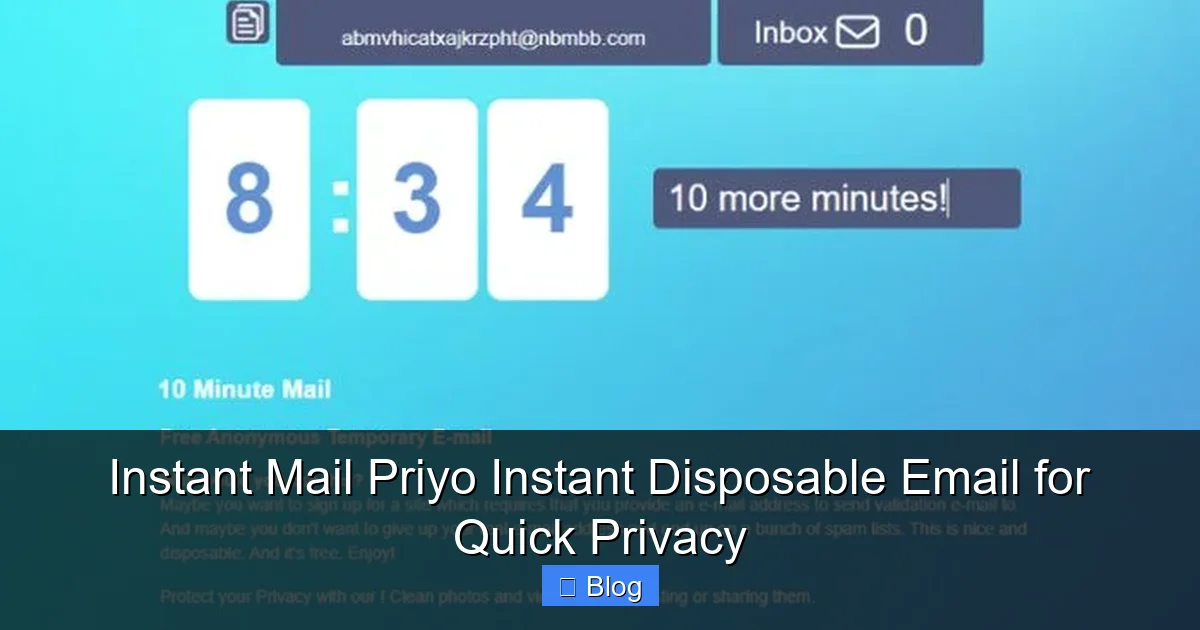
Visual guide about Instant Mail Priyo Instant Disposable Email for Quick Privacy
Image source: tmailor.com
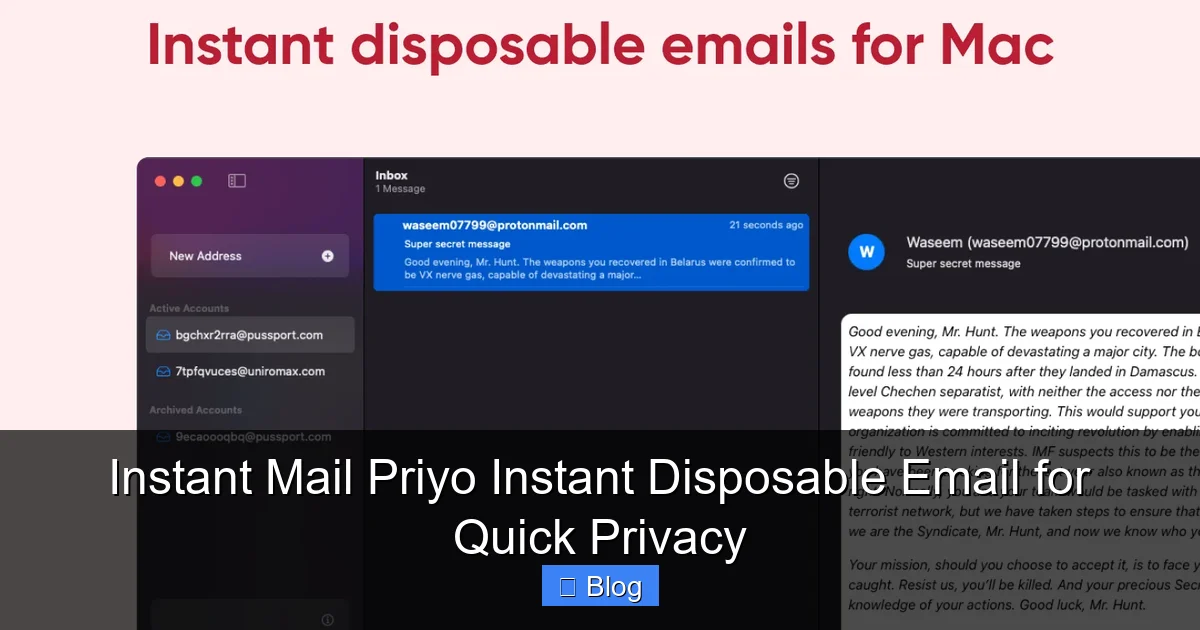
Visual guide about Instant Mail Priyo Instant Disposable Email for Quick Privacy
Image source: user-images.githubusercontent.com
Step 2: Use the Email Address
Copy the email address and paste it wherever you need to sign up, register, or receive a confirmation link. For example, if you’re downloading a free course from an online platform, just enter the Priyo email instead of your personal one.
Step 3: Check Your Inbox
The inbox refreshes automatically every few seconds, so you’ll see new messages as soon as they arrive. Click on any email to read it, download attachments, or follow links—just like a regular email client.
One of the best features? You don’t need to log in or remember a password. The session is tied to your browser, so as long as you stay on the page, your inbox remains active. If you close the tab or refresh the page, a new email address is generated—keeping everything fresh and secure.
Key Features of Instant Mail Priyo
What sets Priyo apart from other disposable email services? Let’s look at the standout features that make it a top choice for privacy-conscious users.
No Registration Required
Unlike many email services, Priyo doesn’t ask for your name, phone number, or any personal details. You don’t even need to create an account. Just visit the site and start using it immediately. This makes it perfect for quick, one-time use.
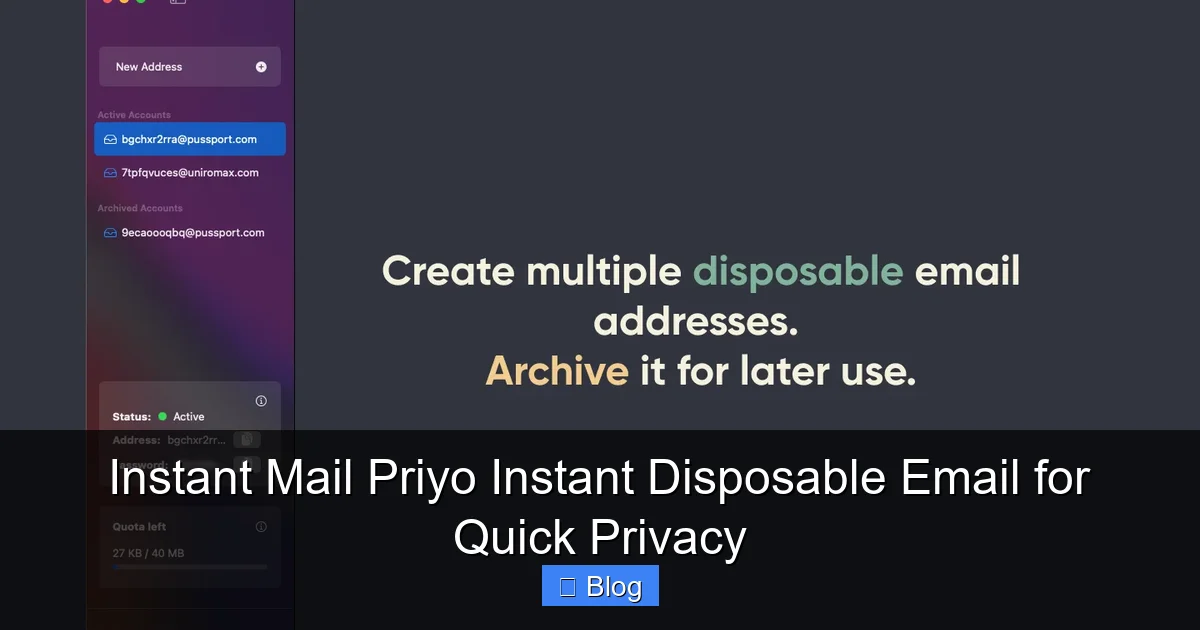
Visual guide about Instant Mail Priyo Instant Disposable Email for Quick Privacy
Image source: user-images.githubusercontent.com
Instant Email Generation
The moment you land on the page, your temporary email is ready. There’s no waiting, no captchas, and no delays. This speed is ideal when you’re in a hurry—like when you’re signing up for a limited-time offer or downloading a time-sensitive file.
Auto-Refresh Inbox
Priyo’s inbox updates automatically every 5–10 seconds. You don’t have to manually refresh the page to check for new messages. This real-time feature ensures you never miss an important confirmation email or download link.
No Ads or Pop-Ups
Many free services clutter their pages with ads, banners, and pop-ups. Not Priyo. The interface is clean, fast, and distraction-free. You can focus on what matters—receiving your email—without annoying interruptions.
Works on Any Device
Whether you’re on a laptop, tablet, or smartphone, Priyo works seamlessly. There’s no app to download, and it’s optimized for all screen sizes. This makes it perfect for on-the-go use, like when you’re signing up for a service while commuting.
Self-Destructing Emails
Messages in your Priyo inbox don’t last forever. After a set period (usually 10–60 minutes, depending on usage), emails are automatically deleted. This reduces clutter and enhances privacy, ensuring no sensitive data lingers online.
Real-Life Use Cases for Priyo
Still not sure how you’d use a disposable email? Let’s walk through some practical examples where Priyo can save you time and protect your privacy.
Downloading Free Resources
Imagine you’re browsing a blog and find a free checklist or template you want. The site says, “Enter your email to download.” Instead of using your personal email, copy your Priyo address. You’ll get the download link instantly, and your inbox stays untouched.
Testing New Apps
If you’re a developer or designer, you often need to test sign-up flows for apps or websites. Using your real email for every test can quickly clutter your inbox. With Priyo, you can create a new temporary email for each test—keeping your workflow clean and efficient.
Avoiding Spam from Free Trials
Signing up for a 7-day free trial of a fitness app? Use Priyo to register. Even if the company starts sending daily emails after the trial ends, they’ll go to your disposable inbox—not your main one. No more unwanted promotions.
Protecting Your Identity on Forums
Want to comment on a news article or join a discussion on a forum? Many sites require an email to post. Use Priyo to stay anonymous. If the site gets hacked or sells user data, your real email remains safe.
Sharing Emails Temporarily
Need to share an email address with a colleague for a one-time project? Instead of giving out your personal or work email, use Priyo. Once the task is done, the address expires—no long-term commitment.
These examples show how versatile and useful disposable emails can be. Whether you’re a casual internet user or a tech professional, Priyo offers a simple way to stay private.
Is Instant Mail Priyo Safe and Secure?
When it comes to online tools, safety is always a top concern. So, is Instant Mail Priyo secure?
The short answer is yes—Priyo is designed with privacy in mind. Here’s why you can trust it:
- No Data Collection: Priyo doesn’t store your personal information. Since there’s no registration, there’s nothing to track or sell.
- No Tracking Cookies: The site doesn’t use invasive tracking scripts or cookies that follow you around the web.
- Encrypted Connections: Priyo uses HTTPS, meaning all data between your browser and the server is encrypted.
- No Permanent Storage: Emails are temporary and deleted automatically, reducing the risk of data exposure.
That said, it’s important to remember that disposable emails are not meant for sensitive communications. Avoid using Priyo for things like banking, legal documents, or anything that requires long-term access. It’s best for short-term, low-risk interactions.
Also, since anyone can access a Priyo inbox if they know the email address, never use it for two-factor authentication (2FA) or password resets on important accounts. The goal is privacy, not permanence.
Tips for Getting the Most Out of Priyo
To make the most of your disposable email experience, here are a few smart tips:
- Use it for one-time actions: Perfect for downloads, trials, and sign-ups you don’t plan to revisit.
- Bookmark the site: Save the Priyo URL for quick access whenever you need a temporary email.
- Don’t rely on it long-term: Remember, emails expire. If you need ongoing access, use a real email.
- Combine with a password manager: If you’re signing up for multiple services, use a password manager to keep track of logins linked to your Priyo address.
- Stay on the page: To keep your inbox active, don’t close the tab. If you do, you’ll get a new email address.
By following these tips, you’ll get the best balance of convenience and privacy.
Final Thoughts: Why Instant Mail Priyo Is a Must-Try
In a world where your digital footprint grows with every click, protecting your privacy has never been more important. Instant Mail Priyo offers a simple, effective solution for keeping your real inbox safe from spam, scams, and data leaks.
It’s fast, free, and incredibly easy to use. Whether you’re downloading a free guide, testing a new app, or just want to stay anonymous online, Priyo gives you instant privacy with zero effort. No downloads, no sign-ups, no hassle.
And because it’s completely ad-free and works on any device, it fits seamlessly into your digital life. You don’t need to be a tech expert to use it—just open the site and go.
So the next time a website asks for your email, ask yourself: “Do I really want to give them my real one?” With Priyo, you don’t have to.
Give it a try today. Your inbox will thank you.
Frequently Asked Questions
What is a disposable email address?
A disposable email address is a temporary email that you can use for short-term purposes, like signing up for a website or downloading a file. It protects your real inbox from spam and unwanted messages.
Is Instant Mail Priyo really free?
Yes, Priyo is completely free to use. There are no hidden fees, subscriptions, or premium upgrades. You can generate as many temporary emails as you need at no cost.
Can I recover emails from Priyo later?
No, emails in Priyo are temporary and automatically deleted after a short period. If you need to save something, download attachments or copy important links before they expire.
Is it safe to use Priyo for important accounts?
No, Priyo is not recommended for sensitive accounts like banking, email, or social media. It’s best for low-risk, one-time uses where long-term access isn’t needed.
Does Priyo work on mobile devices?
Yes, Priyo works perfectly on smartphones and tablets. There’s no app to download—just visit the website from your mobile browser.
How long do emails stay in the Priyo inbox?
Emails typically remain in the inbox for 10 to 60 minutes, depending on activity. After that, they are automatically deleted to protect your privacy.
Leave a Reply