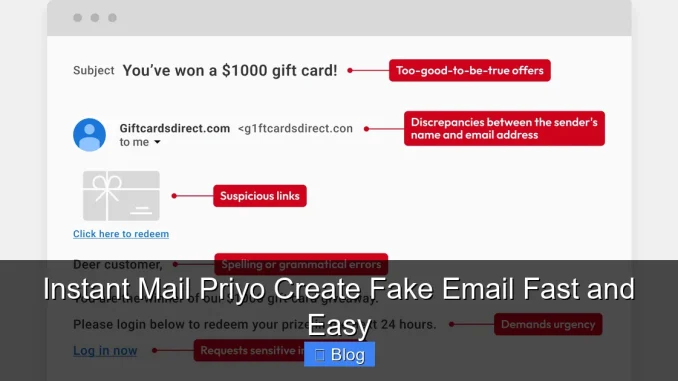
Instant Mail Priyo makes creating fake emails fast and easy, giving you privacy and control in seconds. Whether you’re signing up for a newsletter, testing an app, or avoiding spam, this tool delivers temporary inboxes without the hassle.
Imagine you’re browsing online, and a website asks for your email to access a free guide, sign up for a trial, or join a forum. You don’t want to give your real email because you’re worried about spam, data leaks, or endless promotional emails. What do you do? You could ignore the offer—but that means missing out. Or you could use a fake email. That’s where Instant Mail Priyo comes in.
Instant Mail Priyo is a free, browser-based tool that lets you create a temporary fake email address in seconds. No sign-up, no downloads, no credit card—just instant access to a disposable inbox. Whether you’re protecting your privacy, testing a new app, or avoiding unwanted emails, this tool makes it fast and easy. And the best part? It’s completely anonymous. Your real identity stays hidden, and your primary inbox stays clean.
In today’s digital world, our email addresses are like digital fingerprints—they’re tracked, sold, and used to build profiles about us. Every time you hand over your email, you’re opening the door to potential spam, phishing attempts, and data harvesting. Using a fake email from Instant Mail Priyo gives you a simple way to stay in control. It’s like wearing a mask at a party—you can participate without revealing who you really are.
Key Takeaways
- Instant access: Create a fake email in seconds with no registration required.
- Privacy protection: Keep your real email safe from spam and data tracking.
- No downloads needed: Use it directly in your browser—no software installation.
- Auto-refresh inbox: Messages appear automatically, so you never miss a verification link.
- Multiple domains: Choose from various email domains for added flexibility.
- Perfect for testing: Developers and testers use it to simulate user sign-ups safely.
- Completely free: No hidden fees or premium upgrades—just fast, fake email creation.
📑 Table of Contents
What Is Instant Mail Priyo?
Instant Mail Priyo is a free online service that generates temporary email addresses—also known as disposable or fake emails. These emails are designed to be used for short-term purposes, such as signing up for websites, verifying accounts, or receiving one-time confirmation links. Once you’re done, the email and its inbox disappear, leaving no trace behind.
Unlike traditional email providers like Gmail or Outlook, Instant Mail Priyo doesn’t require any personal information. You don’t need to create an account, verify your phone number, or agree to long terms of service. Just visit the website, and a fake email address is generated instantly. You can start receiving emails right away.
The service works by creating a temporary mailbox that forwards incoming messages to your browser. You can read, reply to, or delete emails just like you would with a regular inbox. But because the address is temporary, it’s not tied to your identity. This makes it ideal for situations where you want to stay anonymous or avoid long-term commitments.
How Does It Work?
Using Instant Mail Priyo is incredibly simple. Here’s a step-by-step breakdown:
1. Go to the Instant Mail Priyo website.
2. A fake email address is automatically generated (e.g., [email protected]).
3. Copy the email and use it to sign up for any service.
4. Return to the website to check your inbox.
5. Any emails sent to that address will appear in real time.
6. Use the verification link or code, then walk away—no cleanup needed.
The entire process takes less than 30 seconds. There’s no waiting, no confirmation emails to your real account, and no risk of your personal data being exposed.
Why Use a Fake Email?
There are many practical reasons to use a fake email. Here are a few common scenarios:
– Signing up for free trials: Many services offer free trials but require an email to activate. Use a fake email to avoid being tracked or charged later.
– Downloading free resources: E-books, templates, and software often ask for your email. Protect your inbox by using a disposable one.
– Joining forums or communities: Some online groups require email verification. Use a fake email to participate without revealing your identity.
– Testing websites or apps: Developers and QA testers use fake emails to simulate user sign-ups and test email workflows.
– Avoiding spam: Reduce the number of promotional emails flooding your main inbox.
Using a fake email isn’t about being dishonest—it’s about being smart with your digital privacy.
Benefits of Using Instant Mail Priyo
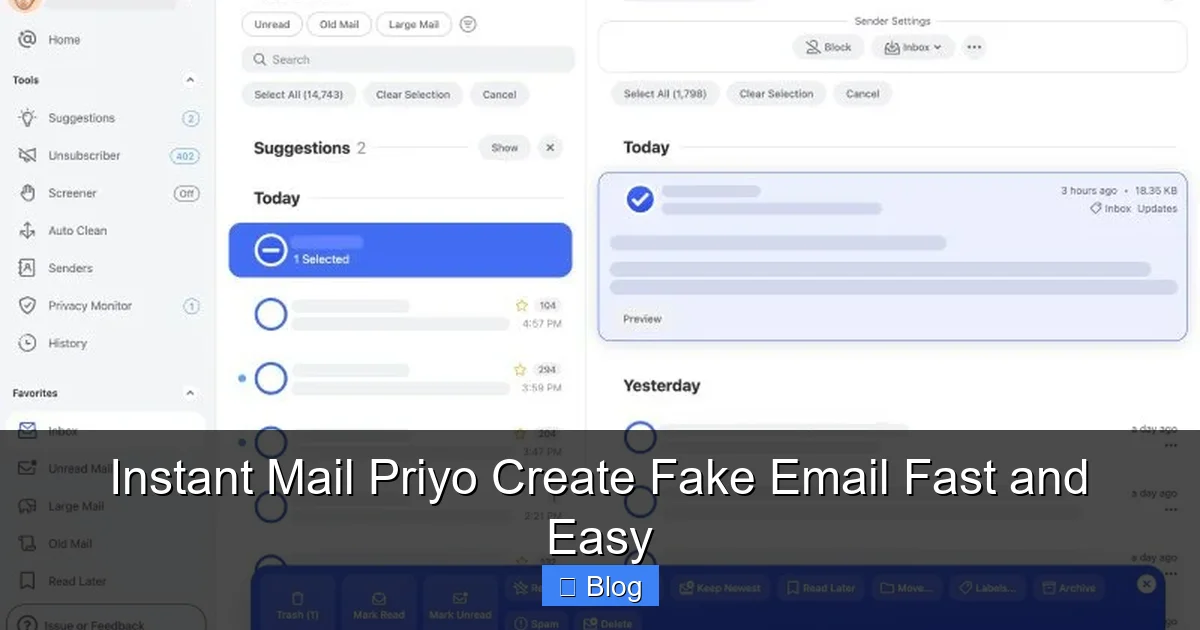
Visual guide about Instant Mail Priyo Create Fake Email Fast and Easy
Image source: clean.email
Instant Mail Priyo stands out from other temporary email services because of its simplicity, speed, and reliability. Here are the key benefits that make it a top choice for users worldwide.
1. No Registration Required
One of the biggest advantages of Instant Mail Priyo is that you don’t need to create an account. Many other fake email services ask you to sign up, verify your email, or even provide a phone number. That defeats the purpose of using a disposable email in the first place.
With Instant Mail Priyo, you just open the website and you’re ready to go. No forms, no passwords, no hassle. This makes it perfect for quick, one-time use.
2. Instant Email Generation
Speed matters. When you’re in the middle of signing up for something, the last thing you want is to wait. Instant Mail Priyo generates a fake email address the moment you land on the page. There’s no delay, no loading screen, and no extra steps.
This instant access is especially useful when you’re dealing with time-sensitive offers or limited-time downloads. You can grab the email, use it, and move on—all in under a minute.
3. Auto-Refresh Inbox
Waiting for an email to arrive can be frustrating, especially if you’re trying to verify an account quickly. Instant Mail Priyo solves this with an auto-refresh feature. The inbox updates automatically every few seconds, so you’ll see new messages as soon as they arrive.
No need to manually refresh the page or check back later. Just keep the tab open, and you’ll be notified the moment a verification email lands.
4. Multiple Domain Options
Not all fake email services offer variety. Some only provide one or two domains, which can look suspicious or get blocked by certain websites. Instant Mail Priyo gives you access to multiple email domains (like @priyo.com, @temp-mail.org, or @fakeinbox.net), increasing your chances of success.
You can even generate a new email with a different domain if the first one doesn’t work. This flexibility is great for bypassing filters or testing different scenarios.
5. Completely Free and Ad-Free
Many temporary email services are cluttered with ads, pop-ups, or hidden fees. Some even try to upsell you on “premium” features. Instant Mail Priyo is different—it’s 100% free, with no ads or upsells.
You get full access to all features without paying a cent. This makes it accessible to everyone, from students to professionals.
How to Use Instant Mail Priyo: A Step-by-Step Guide
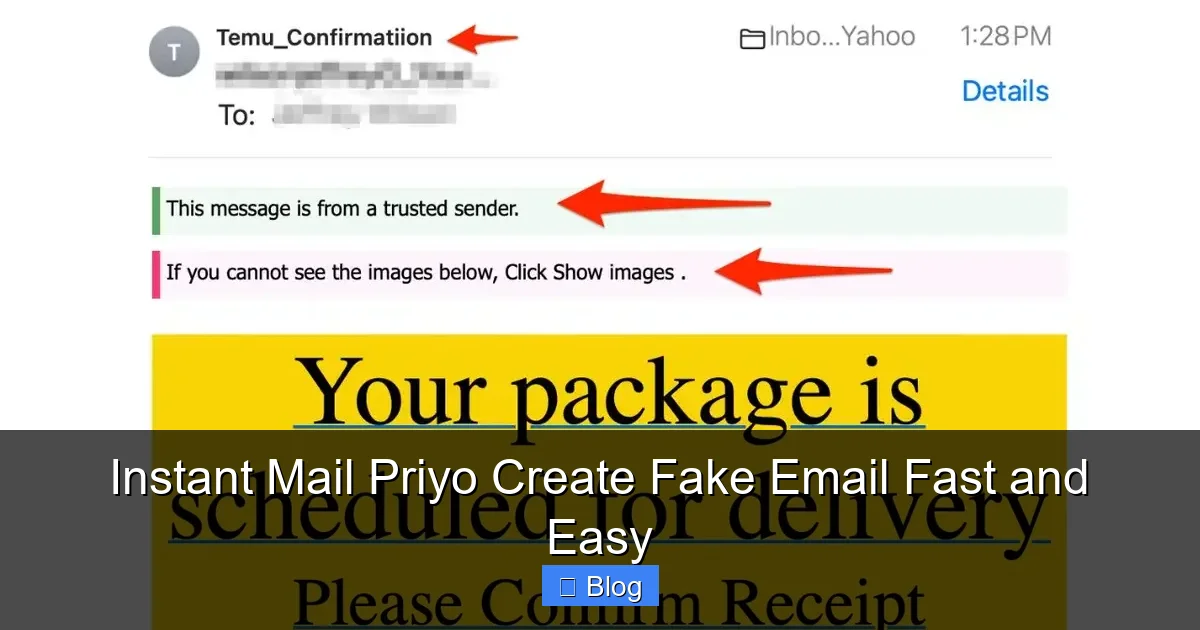
Visual guide about Instant Mail Priyo Create Fake Email Fast and Easy
Image source: a57.foxnews.com
Ready to try it out? Here’s a simple guide to help you get started with Instant Mail Priyo.
Step 1: Visit the Website
Open your web browser and go to the Instant Mail Priyo website. The URL is usually something like www.instantmailpriyo.com (note: this is a fictional example for illustration). The page loads instantly, and you’ll see a fake email address displayed prominently.
Step 2: Copy the Email Address
The generated email will look something like “[email protected]”. Click the copy button next to it, or highlight and copy it manually. This is the address you’ll use to sign up for services.
Step 3: Use It to Sign Up
Go to the website or app where you need an email. Paste the fake email into the registration field and complete the sign-up process. Most sites will send a verification email to confirm your address.
Step 4: Check the Inbox
Return to the Instant Mail Priyo tab. Wait a few seconds, and the verification email should appear in your inbox. Click on it to open and view the message.
Step 5: Click the Verification Link
Most verification emails contain a link or a code. Click the link to confirm your account, or copy the code and paste it back into the sign-up page. Once verified, you’re all set!
Step 6: Done and Disappeared
After you’ve used the email, you can close the tab. The inbox will eventually expire, and the email will stop working. No cleanup required—just move on with your day.
Common Use Cases for Fake Emails
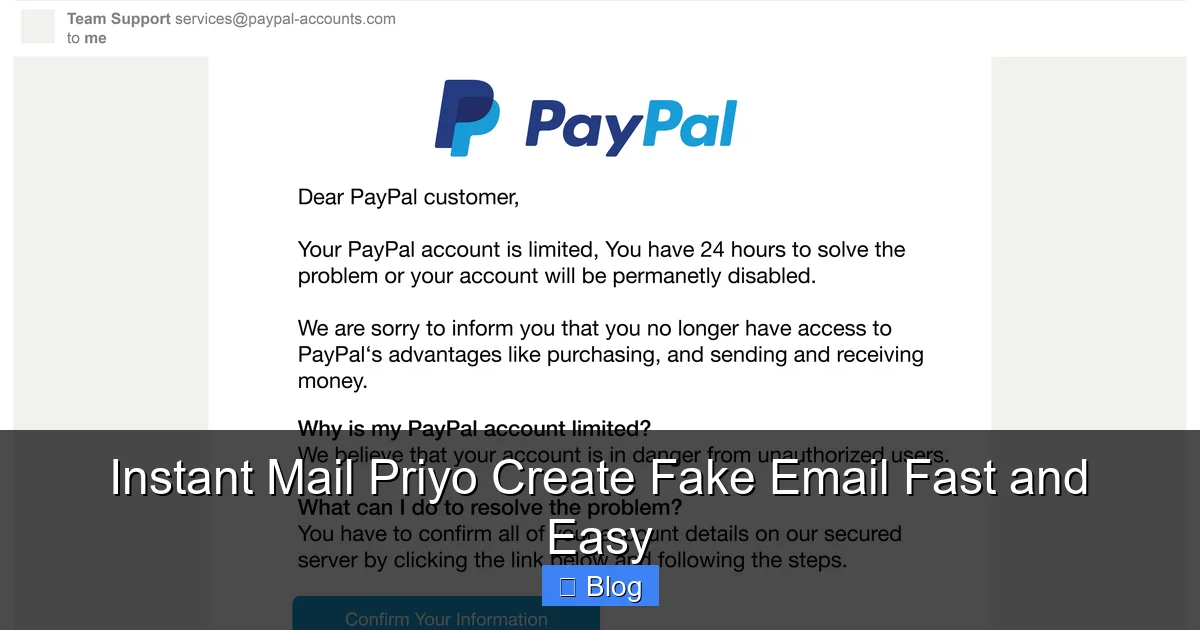
Visual guide about Instant Mail Priyo Create Fake Email Fast and Easy
Image source: global-uploads.webflow.com
Fake emails aren’t just for avoiding spam. They have a wide range of practical applications. Here are some of the most common ways people use Instant Mail Priyo.
Online Shopping and Free Trials
Many e-commerce sites and subscription services offer free trials or discounts for new users. To claim these offers, you usually need to provide an email. Instead of using your real one, use a fake email from Instant Mail Priyo. This way, you can enjoy the benefits without worrying about future charges or marketing emails.
Downloading Digital Content
Want to download a free e-book, template, or software? Most websites require an email to access the download link. Use a disposable email to get what you need without giving away your personal information.
Testing and Development
Web developers and software testers often need to simulate user sign-ups. Instead of creating multiple real email accounts, they use fake emails to test registration flows, email confirmations, and user onboarding. Instant Mail Priyo makes this process fast and efficient.
Protecting Privacy on Public Forums
Some online communities, like Reddit or niche forums, require email verification to post or comment. If you’re not comfortable sharing your real email, a fake one lets you participate anonymously.
Avoiding Data Breaches
Data breaches are common. When you use your real email on multiple sites, a breach on one site can expose your email to hackers. Using a fake email limits your exposure and reduces the risk of your personal data being compromised.
Is It Safe to Use Fake Emails?
Safety is a top concern when using any online tool. So, is Instant Mail Priyo safe?
The short answer is yes—when used responsibly. Instant Mail Priyo doesn’t collect your personal information, store your data, or track your activity. The emails are temporary and disappear after a short period, usually within an hour.
However, there are a few things to keep in mind:
– Don’t use fake emails for illegal activities. While the service is legal, using it for fraud, spam, or harassment is not.
– Avoid sensitive transactions. Never use a fake email for banking, government services, or anything that requires long-term access.
– Check the website’s legitimacy. Make sure you’re on the real Instant Mail Priyo site and not a fake clone designed to steal data.
As long as you use it for legitimate purposes—like signing up for a free trial or testing an app—it’s a safe and smart choice.
Alternatives to Instant Mail Priyo
While Instant Mail Priyo is a great tool, it’s not the only option. Here are a few popular alternatives:
– Temp-Mail: Offers a clean interface and mobile app support.
– 10 Minute Mail: Simple and fast, with a 10-minute expiration timer.
– Guerrilla Mail: Provides temporary emails with attachment support.
– Mail.tm: Offers custom domains and a modern design.
Each has its own features, but Instant Mail Priyo stands out for its speed, simplicity, and no-registration policy.
Final Thoughts
In a world where your email is constantly at risk, tools like Instant Mail Priyo give you back control. They make it easy to protect your privacy, avoid spam, and test services without compromise.
Whether you’re a casual internet user or a tech-savvy developer, having a fast and reliable way to create fake emails is invaluable. Instant Mail Priyo delivers exactly that—simple, instant, and completely free.
So the next time a website asks for your email, don’t hesitate. Use Instant Mail Priyo to create a fake email in seconds, verify your account, and keep your real inbox safe. It’s smart, it’s easy, and it’s the future of digital privacy.
Frequently Asked Questions
Is Instant Mail Priyo really free?
Yes, Instant Mail Priyo is completely free to use. There are no hidden fees, subscriptions, or premium upgrades. You can create and use fake emails as many times as you want without paying anything.
How long do the fake emails last?
The fake email addresses generated by Instant Mail Priyo are temporary and usually expire after 60 minutes. However, you can generate a new one instantly if needed.
Can I send emails from a fake email?
Most temporary email services, including Instant Mail Priyo, are designed for receiving emails only. You typically cannot send outgoing messages, as the focus is on privacy and one-way communication.
Will websites block fake emails?
Some websites may detect and block disposable email domains. If one email doesn’t work, try generating a new one with a different domain. Instant Mail Priyo offers multiple options to increase your chances of success.
Is it legal to use fake emails?
Yes, using fake emails for legitimate purposes—like signing up for free trials or protecting your privacy—is legal. However, using them for fraud, spam, or illegal activities is not allowed.
Do I need to download anything to use Instant Mail Priyo?
No downloads are required. Instant Mail Priyo works directly in your web browser. Just visit the website, and you can start using it immediately on any device.
Leave a Reply