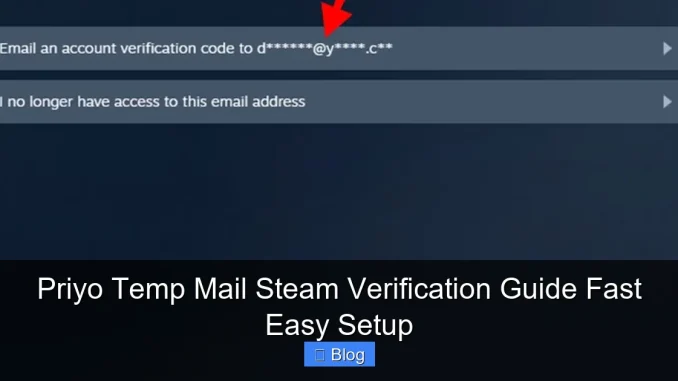
Using Priyo Temp Mail for Steam verification is a smart, spam-free way to create gaming accounts quickly. This guide walks you through the entire process—from generating a temporary email to completing Steam’s email confirmation—in just minutes.
Key Takeaways
- Instant Email Generation: Priyo Temp Mail creates disposable email addresses in seconds, perfect for one-time verifications.
- No Personal Info Required: You don’t need to share your real email or phone number, keeping your privacy intact.
- Works Seamlessly with Steam: The temporary email receives Steam’s verification link reliably and quickly.
- Free and User-Friendly: No downloads or sign-ups—just visit the site and start using it immediately.
- Ideal for Multiple Accounts: Great for gamers who want to test new Steam accounts or manage multiple profiles.
- Automatic Refresh: Inbox updates in real time, so you never miss the confirmation email.
- Secure and Private: Emails auto-delete after a short period, reducing spam and data exposure.
📑 Table of Contents
- Why Use a Temporary Email for Steam Verification?
- What Is Priyo Temp Mail?
- Step-by-Step: Using Priyo Temp Mail for Steam Verification
- Benefits of Using Priyo Temp Mail with Steam
- Common Issues and How to Fix Them
- Is Priyo Temp Mail Safe to Use?
- Alternatives to Priyo Temp Mail
- Final Thoughts: Streamline Your Steam Setup
Why Use a Temporary Email for Steam Verification?
Let’s be honest—creating a new Steam account can feel like jumping through hoops. One of the biggest hurdles? Email verification. Steam requires a valid email address to confirm your account, but what if you don’t want to use your personal inbox? Maybe you’re testing a second account, avoiding spam, or just value your online privacy. That’s where Priyo Temp Mail comes in.
Temporary email services like Priyo allow you to generate a disposable email address in seconds. These emails are perfect for one-time verifications—like signing up for Steam—without cluttering your main inbox or risking your personal data. And the best part? It’s completely free, requires no registration, and works instantly. Whether you’re a casual gamer or a power user managing multiple accounts, Priyo Temp Mail makes Steam verification fast, easy, and stress-free.
What Is Priyo Temp Mail?
A Quick Overview
Priyo Temp Mail is a free online service that generates temporary, disposable email addresses. These emails are active for a short period—usually 10 to 60 minutes—and automatically refresh to receive new messages. The service is designed for users who need quick email access without long-term commitments.
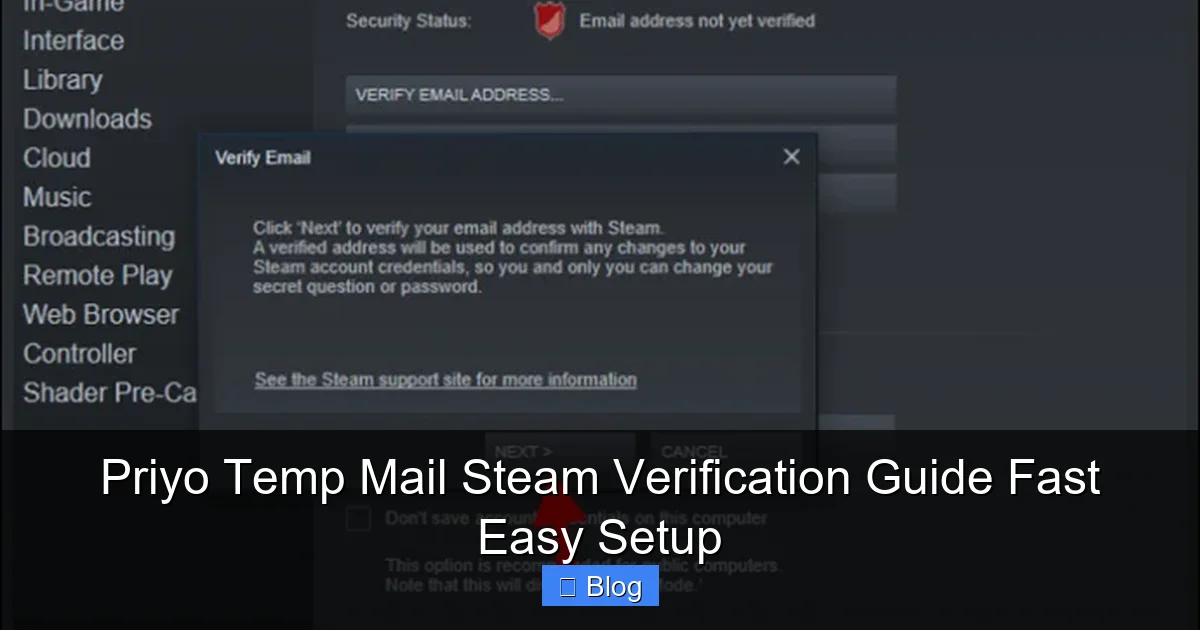
Visual guide about Priyo Temp Mail Steam Verification Guide Fast Easy Setup
Image source: windows.atsit.in
How It Works
Using Priyo Temp Mail is incredibly simple. You visit the website, and it instantly creates a random email address for you. This address appears in a clean, easy-to-read inbox interface. Any emails sent to that address—like Steam’s verification link—will show up in real time. Once you’ve used the email for its purpose, it disappears, keeping your digital life tidy.
Key Features
- No Sign-Up Needed: Start using it immediately—no account creation or personal info required.
- Real-Time Inbox: Messages appear instantly as they’re sent.
- Auto-Refresh: The inbox updates automatically, so you don’t miss important emails.
- Multiple Domains: Choose from various email domains (like @priyomail.com or @tempmail.net) for better compatibility.
- Privacy-Focused: Your real identity stays hidden from websites and services.
Step-by-Step: Using Priyo Temp Mail for Steam Verification
Step 1: Visit the Priyo Temp Mail Website
Open your web browser and go to the official Priyo Temp Mail website. Make sure you’re on the correct site to avoid phishing scams. Look for a clean, professional interface with an email address already generated on the screen.
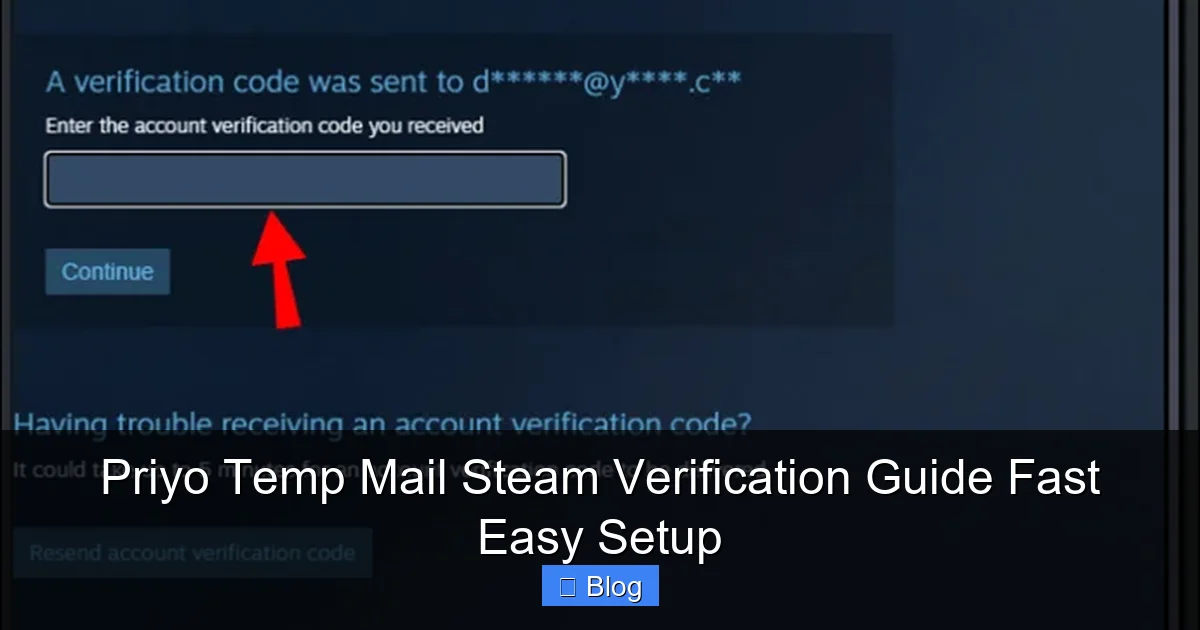
Visual guide about Priyo Temp Mail Steam Verification Guide Fast Easy Setup
Image source: windows.atsit.in
Step 2: Copy the Temporary Email Address
Once the page loads, you’ll see a randomly generated email address—something like [email protected]. This is your temporary inbox. Simply click the copy button next to the email to save it to your clipboard. You can also manually select and copy it if needed.
Step 3: Go to Steam and Start Account Creation
Open a new tab and navigate to the Steam website. Click on “Join Steam” or “Create Account” to begin the registration process. Fill in your desired username, password, and other required details.
Step 4: Enter the Temporary Email
When prompted for an email address, paste the temporary email you copied from Priyo Temp Mail. Double-check that it’s entered correctly—Steam will send the verification link to this address.
Step 5: Check the Priyo Inbox for the Verification Email
Go back to the Priyo Temp Mail tab. Wait a few seconds—Steam usually sends the verification email within 30 to 60 seconds. The inbox will automatically refresh, and you’ll see a new message from Steam with the subject “Verify Your Email Address.”
Step 6: Click the Verification Link
Open the email from Steam and click the “Verify Email” button or link inside. This will redirect you back to Steam, confirming your email and completing the account setup. Your Steam account is now active and ready to use!
Pro Tip: Keep the Tab Open
Don’t close the Priyo Temp Mail tab during the process. If the email doesn’t arrive immediately, wait a minute or two—sometimes Steam’s emails take a bit longer. The inbox refreshes on its own, so you won’t miss it.
Benefits of Using Priyo Temp Mail with Steam
Protect Your Privacy
Your real email address contains personal information that can be tracked, sold, or hacked. By using a temporary email, you keep your identity private. Steam never sees your actual inbox, and you avoid unwanted marketing emails or data harvesting.
Avoid Spam and Promotions
Even if you use a secondary email, Steam and its partners often send promotional messages, game updates, and newsletters. With Priyo Temp Mail, you skip all that noise. Once verification is done, the email disappears—no spam, no clutter.
Perfect for Testing or Multiple Accounts
Gamers often create multiple Steam accounts for testing games, managing family profiles, or accessing regional content. Using a temporary email makes this process seamless. You can generate a new email for each account without juggling dozens of inboxes.
Fast and Convenient
No downloads, no apps, no waiting. Priyo Temp Mail works directly in your browser. Whether you’re on a laptop, tablet, or phone, the process takes less than two minutes. It’s the fastest way to get verified on Steam without hassle.
Reliable Delivery
Unlike some temp mail services that fail to receive emails from major platforms, Priyo Temp Mail has a strong track record with Steam. The emails arrive quickly, and the inbox is easy to navigate. You won’t waste time troubleshooting missing messages.
Common Issues and How to Fix Them
Email Not Arriving?
If the Steam verification email doesn’t show up in your Priyo inbox, don’t panic. First, wait at least 2–3 minutes—sometimes there’s a slight delay. If it still hasn’t arrived, try refreshing the Priyo page manually. You can also generate a new temporary email and restart the Steam sign-up process.
Link Expired or Not Working?
Steam verification links are time-sensitive. If you wait too long (usually more than 15 minutes), the link may expire. In that case, go back to Steam and request a new verification email. Use the same temporary email or generate a new one—Priyo will still receive it.
Domain Blocked by Steam?
Rarely, Steam may block certain temporary email domains. If you notice the email isn’t coming through, try switching to a different domain in Priyo Temp Mail. Look for a dropdown or settings option to change the email suffix (e.g., from @priyomail.com to @tempmail.net).
Browser Compatibility
Priyo Temp Mail works best on modern browsers like Chrome, Firefox, Safari, and Edge. If you’re using an older browser or have strict ad blockers, they might interfere with the inbox refresh. Try disabling extensions temporarily or switching browsers.
Is Priyo Temp Mail Safe to Use?
Privacy and Security
Yes—Priyo Temp Mail is safe for Steam verification. The service doesn’t store your personal data, and emails are automatically deleted after a short period. Since you’re only using it for a one-time confirmation, there’s minimal risk of exposure.
No Malware or Ads
Reputable temp mail services like Priyo are ad-supported but don’t inject malware or track your activity. Stick to the official website and avoid third-party clones that may contain harmful scripts.
Limitations to Know
While great for verification, temporary emails aren’t suitable for long-term use. You can’t recover passwords or receive ongoing communications. For Steam, this isn’t an issue—once verified, your account is linked to your username and password, not the temp email.
Alternatives to Priyo Temp Mail
Other Temporary Email Services
If Priyo Temp Mail isn’t working for you, consider alternatives like TempMail.org, Guerrilla Mail, or 10 Minute Mail. They offer similar features—disposable emails, no sign-up, instant access. Test a few to see which one works best with Steam.
Dedicated Secondary Email
For users who frequently create accounts, setting up a dedicated secondary email (like a free Gmail or Outlook account) might be more reliable. It’s still separate from your main inbox but offers longer-term access if needed.
Browser-Based Solutions
Some browsers, like Firefox, offer built-in email masking features. These generate unique email aliases that forward to your real inbox. While more secure, they require account setup and may not be as instant as Priyo.
Final Thoughts: Streamline Your Steam Setup
Creating a Steam account doesn’t have to be a chore. With Priyo Temp Mail, you can breeze through email verification in under two minutes—no spam, no stress, no personal info shared. It’s a smart, secure, and simple solution for gamers who value speed and privacy.
Whether you’re setting up a new profile, testing a game, or managing multiple accounts, temporary email services make the process effortless. Priyo Temp Mail stands out for its ease of use, reliability, and real-time inbox. Give it a try the next time you sign up for Steam—you’ll wonder how you ever managed without it.
Frequently Asked Questions
Is Priyo Temp Mail free to use?
Yes, Priyo Temp Mail is completely free. There are no hidden fees, subscriptions, or premium upgrades. You can use it as often as needed without any cost.
Can I use Priyo Temp Mail for other websites besides Steam?
Absolutely. Priyo Temp Mail works with most websites that require email verification, including social media platforms, gaming services, and online forums. Just generate a new email and paste it during sign-up.
How long do emails stay in the Priyo inbox?
Emails typically remain in the inbox for 10 to 60 minutes, depending on the service. Once the time expires, the email and address are automatically deleted.
Will Steam ban my account for using a temporary email?
No, Steam does not ban accounts for using temporary emails during verification. As long as you complete the process and use a valid username and password, your account is safe.
Can I recover my Steam account if I lose access to the temp email?
Yes. Once verified, your Steam account is tied to your username and password, not the temporary email. You can log in and manage your account normally without needing the temp address again.
Does Priyo Temp Mail work on mobile devices?
Yes, Priyo Temp Mail is mobile-friendly and works on smartphones and tablets. Simply open your browser, visit the site, and follow the same steps as on a desktop.
Leave a Reply