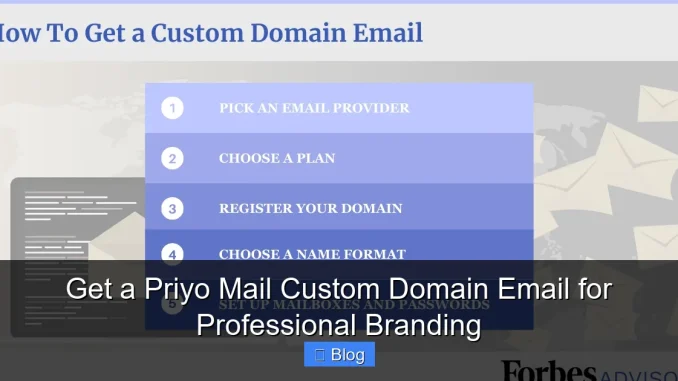
Want to look more professional online? A Priyo Mail custom domain email lets you use your own domain name (like [email protected]) instead of generic providers. It’s affordable, secure, and simple to set up—even if you’re not tech-savvy.
Key Takeaways
- Professional branding: Using a custom domain email like [email protected] builds trust and looks more credible than free email services.
- Easy setup with Priyo Mail: Priyo Mail offers a user-friendly interface and step-by-step guidance to connect your domain in minutes.
- Affordable pricing: Get enterprise-level features at a fraction of the cost compared to other email hosting services.
- Strong security features: Built-in spam filtering, encryption, and two-factor authentication keep your communications safe.
- Seamless integration: Works smoothly with popular tools like Gmail, Outlook, and mobile devices for on-the-go access.
- Scalable for growth: Whether you’re a solo entrepreneur or a growing team, Priyo Mail grows with your business needs.
📑 Table of Contents
Why Your Business Needs a Custom Domain Email
Let’s be honest—using a generic email like [email protected] or [email protected] just doesn’t cut it anymore. In today’s competitive digital world, first impressions matter. When a potential client sees an email from [email protected], it instantly signals professionalism, legitimacy, and attention to detail. It tells them you’re serious about your business.
Think about it: would you trust a doctor who uses [email protected]? Probably not. The same logic applies to your brand. A custom domain email reinforces your brand identity every time you send a message. It’s not just about looking good—it’s about building trust, increasing open rates, and making your communications stand out in crowded inboxes.
But here’s the good news: you don’t need a big budget or a tech team to get started. Thanks to services like Priyo Mail, setting up a custom domain email is easier and more affordable than ever. Whether you’re running a small online store, a freelance design business, or managing a growing team, Priyo Mail gives you the tools to look professional from day one.
What Is Priyo Mail Custom Domain Email?
Visual guide about Get a Priyo Mail Custom Domain Email for Professional Branding
Image source: assets-global.website-files.com
So, what exactly is Priyo Mail custom domain email? In simple terms, it’s an email service that lets you create email addresses using your own website domain—like [email protected]—instead of relying on free providers like Gmail or Outlook.
Priyo Mail acts as your email hosting platform. Once you sign up, you can create multiple email accounts under your domain, manage them from a clean dashboard, and access your emails from any device. It’s like having your own private email server, but without the hassle of maintenance or high costs.
One of the best things about Priyo Mail is how beginner-friendly it is. You don’t need to be a coding expert or understand DNS settings to get started. The platform walks you through each step, from verifying your domain to setting up your first email account. And if you ever get stuck, their support team is quick to help.
How It Works
Setting up a Priyo Mail custom domain email involves just a few steps:
1. **Sign up for a Priyo Mail account** – Choose a plan that fits your needs (they offer options for individuals, small teams, and larger organizations).
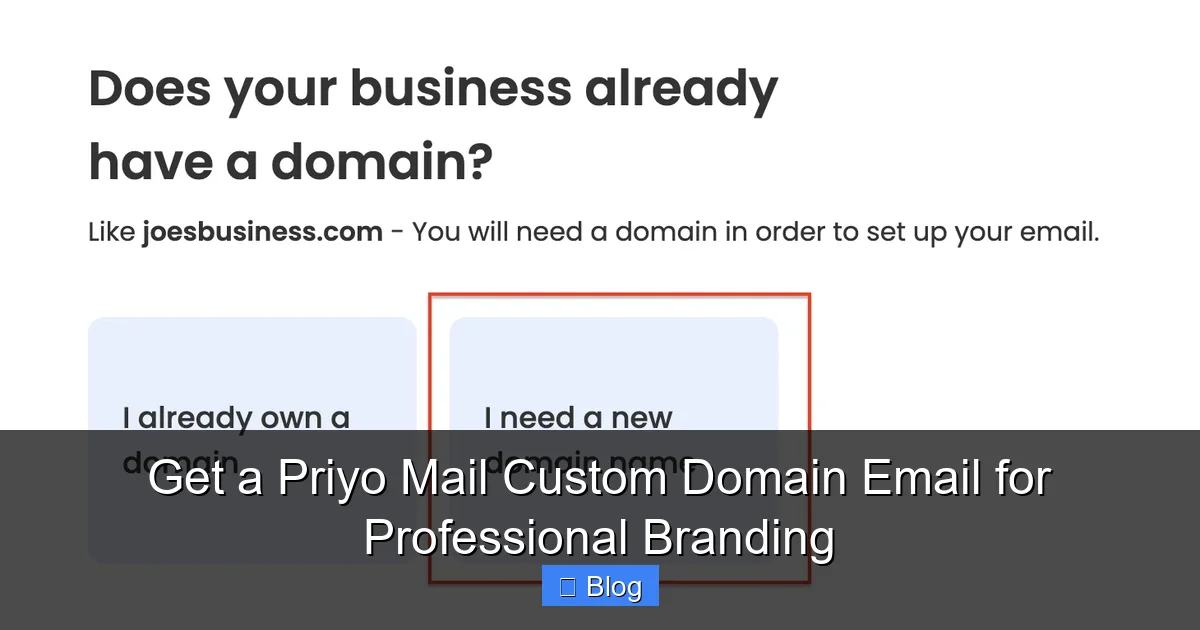
2. **Add your domain** – Enter the domain name you already own (e.g., yourbusiness.com). If you don’t have one yet, Priyo Mail can help you purchase it.
3. **Verify domain ownership** – This usually involves adding a few DNS records (like TXT or MX records) to your domain registrar (e.g., GoDaddy, Namecheap). Priyo Mail provides clear instructions for popular providers.
4. **Create email accounts** – Once verified, you can create as many email addresses as you need: sales@, support@, info@, or even personal ones like [email protected].
5. **Start using your email** – Access your inbox via the Priyo Mail web portal, or connect it to your favorite email client like Gmail, Outlook, or Apple Mail.
The whole process typically takes less than 30 minutes—even if you’ve never done it before.
Benefits of Using Priyo Mail for Custom Domain Email
Visual guide about Get a Priyo Mail Custom Domain Email for Professional Branding
Image source: i.ytimg.com
There are plenty of email hosting services out there, so why choose Priyo Mail? Let’s break down the key benefits that make it a smart choice for entrepreneurs, freelancers, and small businesses.
1. Affordable and Transparent Pricing
Priyo Mail offers some of the most competitive pricing in the market. Unlike some providers that charge per user per month with hidden fees, Priyo Mail keeps it simple. Their plans start at just a few dollars per month and include everything you need: email hosting, spam protection, and basic support.
For example, their Starter plan might cost $3/month and include 5 email accounts, 10GB of storage, and mobile access. As your business grows, you can easily upgrade to higher tiers with more storage, advanced features, and priority support—all without switching platforms.
2. Strong Security and Privacy
Your business communications contain sensitive information—client details, invoices, project updates. You can’t afford to risk that data. Priyo Mail takes security seriously.
All emails are protected with TLS encryption during transmission, meaning no one can intercept your messages in transit. They also include built-in spam and virus filtering to keep your inbox clean and safe. Plus, two-factor authentication (2FA) adds an extra layer of protection, so even if someone gets your password, they can’t access your account without your phone or authentication app.
Unlike free email services that scan your emails for ads, Priyo Mail doesn’t track your activity or sell your data. Your privacy is respected—something that’s becoming increasingly rare online.
3. Easy Integration with Popular Tools
You don’t have to change your entire workflow to use Priyo Mail. It integrates seamlessly with the tools you already use.
Want to check your custom domain email in Gmail? No problem. Just add your Priyo Mail account to Gmail using IMAP settings—Priyo provides the exact server details. The same goes for Outlook, Apple Mail, and mobile apps. You can even set up email forwarding so messages sent to your custom address go straight to your personal inbox.
This flexibility means you can keep using your favorite apps while still enjoying the professionalism of a custom domain email.
4. Reliable Uptime and Fast Performance
Downtime is a nightmare for any business. If your email goes down, you could miss important client inquiries, invoices, or partnership opportunities. Priyo Mail guarantees 99.9% uptime, which means your email is almost always available.
Their servers are optimized for speed, so your emails load quickly, and sending large attachments is smooth. Whether you’re emailing a 10MB design file or a 50-slide presentation, Priyo Mail handles it without delays.
How to Set Up Your Priyo Mail Custom Domain Email

Visual guide about Get a Priyo Mail Custom Domain Email for Professional Branding
Image source: i.ytimg.com
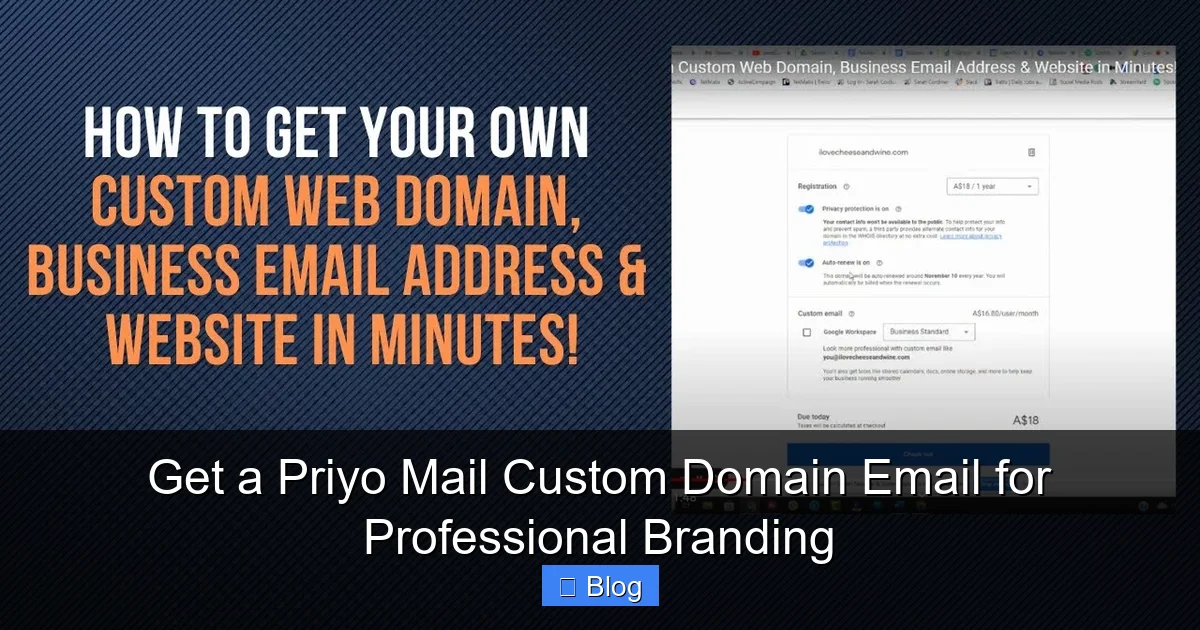
Ready to get started? Here’s a step-by-step guide to setting up your Priyo Mail custom domain email—even if you’re not tech-savvy.
Step 1: Choose and Register Your Domain
If you already own a domain (like yourbusiness.com), great! You can use it right away. If not, you’ll need to register one. Priyo Mail partners with domain registrars, so you can buy a domain directly through their platform, or use one you’ve purchased elsewhere.
Tip: Choose a domain that matches your business name exactly. It’s easier for customers to remember and looks more professional.
Step 2: Sign Up for Priyo Mail
Go to the Priyo Mail website and click “Get Started.” Choose a plan that fits your needs. Most small businesses start with the Starter or Business plan.
During signup, you’ll enter your domain name and create your first email address (e.g., [email protected]). You’ll also set a strong password and enable two-factor authentication for security.
Step 3: Verify Your Domain
This is the most technical part—but don’t worry, Priyo Mail makes it simple. After signing up, you’ll be asked to verify ownership of your domain. This usually involves adding a few DNS records to your domain registrar’s dashboard.
For example, you might need to add:
– An MX record pointing to Priyo Mail’s mail servers
– A TXT record for domain verification
– An SPF record to prevent email spoofing
Priyo Mail provides exact instructions for popular registrars like GoDaddy, Namecheap, and Google Domains. Just copy and paste the values they give you. The whole process takes about 5–10 minutes.
Step 4: Create Your Email Accounts
Once your domain is verified, you can start creating email addresses. Go to your Priyo Mail dashboard and click “Add Email.” Enter the username (like sales or support), set a password, and choose storage limits.
You can create as many accounts as your plan allows. Common ones include:
– [email protected] – for general inquiries
– [email protected] – for friendly, approachable branding
– [email protected] – for customer service
– [email protected] – for invoices and payments
Tip: Use consistent naming conventions. It looks more professional and makes it easier to manage.
Step 5: Access Your Email
Now you’re ready to use your new email! You have a few options:
– **Webmail:** Log in to the Priyo Mail portal from any browser.
– **Email clients:** Add your account to Gmail, Outlook, or Apple Mail using IMAP settings.
– **Mobile apps:** Use the built-in mail app on your phone or download a third-party app like Spark or Outlook.
Priyo Mail supports push notifications, so you’ll get instant alerts when new emails arrive.
Tips for Maximizing Your Custom Domain Email
Getting your Priyo Mail custom domain email set up is just the beginning. To get the most out of it, follow these best practices:
Use a Professional Signature
Your email signature is like a digital business card. Include your name, job title, company name, website, and contact info. You can even add a logo or social media links.
Example:
John Doe
Marketing Manager | YourBrand Co.
📧 [email protected] | 🌐 www.yourbrand.com
📱 (555) 123-4567 | 💼 LinkedIn.com/in/johndoe
Set Up Email Aliases
Aliases let you receive emails at multiple addresses without creating separate accounts. For example, you can set up [email protected] to forward to [email protected]. This keeps your inbox organized and makes it easy to manage different types of inquiries.
Enable Auto-Responders
If you’re going on vacation or expecting high email volume, set up an auto-responder. A simple message like “Thank you for your email. I’ll get back to you within 24 hours” keeps customers informed and reduces frustration.
Regularly Clean Your Inbox
Even with spam filters, junk emails can slip through. Schedule time each week to delete old messages, unsubscribe from unwanted newsletters, and organize important emails into folders.
Backup Important Emails
While Priyo Mail is reliable, it’s always smart to back up critical emails. You can export them as PDFs or use third-party backup tools to save copies locally or in the cloud.
Common Use Cases for Priyo Mail Custom Domain Email
Who can benefit from a Priyo Mail custom domain email? Just about anyone running a business or professional service.
Freelancers and Solopreneurs
If you’re a graphic designer, writer, or consultant, a custom email like [email protected] looks more credible than a free account. It shows clients you’re serious about your work.
Small Businesses and Startups
From local cafes to e-commerce stores, small businesses use custom emails to build trust with customers. It’s a small investment that pays off in customer confidence and brand recognition.
Remote Teams and Agencies
Agencies managing multiple clients benefit from organized email accounts like [email protected] or [email protected]. It keeps communication clear and professional.
Nonprofits and Community Groups
Even nonprofits can benefit. An email like [email protected] looks more legitimate than a personal Gmail account, especially when applying for grants or partnerships.
Conclusion
In today’s digital landscape, your email address is more than just a way to send messages—it’s a reflection of your brand. A Priyo Mail custom domain email gives you the professionalism, security, and flexibility you need to stand out.
It’s affordable, easy to set up, and works seamlessly with the tools you already use. Whether you’re a solo entrepreneur or managing a growing team, Priyo Mail helps you look credible, stay organized, and communicate with confidence.
Don’t let a generic email hold your business back. Take the first step toward stronger branding today—sign up for Priyo Mail and create your custom domain email in minutes.
Frequently Asked Questions
What is a custom domain email?
A custom domain email uses your own website domain (like [email protected]) instead of a free provider like Gmail. It looks more professional and builds trust with customers.
How much does Priyo Mail custom domain email cost?
Priyo Mail offers plans starting at around $3/month, with options for individuals, small teams, and larger organizations. All plans include email hosting, spam protection, and basic support.
Can I use my existing domain with Priyo Mail?
Yes! You can use any domain you already own. Just add the required DNS records during setup to verify ownership and connect it to Priyo Mail.
Is Priyo Mail secure?
Absolutely. Priyo Mail uses TLS encryption, spam filtering, and two-factor authentication to protect your emails and account from unauthorized access.
Can I access my Priyo Mail email on my phone?
Yes. You can access your email via the Priyo Mail web portal or connect it to your phone’s mail app using IMAP settings. Push notifications keep you updated in real time.
What happens if I exceed my storage limit?
If you reach your storage limit, you’ll receive a warning. You can either delete old emails or upgrade to a higher plan for more space—no service interruptions.
Leave a Reply