Temp Mail Priyo fake email for instant use offers a fast, secure way to avoid spam and protect your real inbox. Whether signing up for apps, websites, or newsletters, this tool gives you disposable email addresses in seconds—no registration required.
In today’s digital world, your email address is like your front door—it’s how companies, apps, and strangers reach you. But every time you sign up for a new service, you’re handing over that key. And what happens next? Your inbox fills up with promotional emails, spam, and sometimes even phishing attempts. That’s where Temp Mail Priyo fake email for instant use comes in. It’s a smart, simple solution that gives you a temporary email address in seconds—no strings attached.
Imagine signing up for a free trial, downloading an eBook, or testing a new app without worrying about your personal email getting flooded. With Temp Mail Priyo, you get a disposable email that works immediately. You can receive verification codes, confirmations, and messages—all without exposing your real identity. It’s fast, free, and perfect for anyone who values privacy and convenience.
Whether you’re a student, freelancer, or just someone tired of junk mail, this tool makes online life easier. In this guide, we’ll walk you through everything you need to know about using Temp Mail Priyo, from how it works to pro tips for getting the most out of it.
Key Takeaways
- Instant Access: Create a fake email instantly without any sign-up or personal info.
- Privacy Protection: Keep your real email safe from spam, phishing, and data breaches.
- No Downloads Needed: Use directly in your browser—no software or app installation required.
- Auto-Refresh Inbox: Messages appear automatically, so you never miss important confirmations.
- Multiple Domains: Choose from various email domains to avoid detection by spam filters.
- Perfect for Short-Term Use: Ideal for one-time sign-ups, trials, or testing websites.
- Free and Secure: Completely free to use with built-in encryption for added safety.
📑 Table of Contents
What Is Temp Mail Priyo?
Temp Mail Priyo is a free online service that generates temporary email addresses for instant use. Unlike traditional email providers like Gmail or Outlook, you don’t need to create an account, verify your phone number, or provide any personal information. Simply visit the website, and you’re instantly assigned a random email address that’s active for a limited time.
These fake emails are designed for short-term use—perfect for one-time registrations, free trials, or testing platforms. The service automatically refreshes your inbox, so you can see incoming messages in real time. Once you’re done, the email expires, and all data is deleted. This means no spam, no tracking, and no risk to your real inbox.
One of the best things about Temp Mail Priyo is its simplicity. There’s no app to download, no settings to configure, and no learning curve. Just open your browser, get your fake email, and start using it right away. It’s ideal for people who want privacy without the hassle.
How Does It Work?
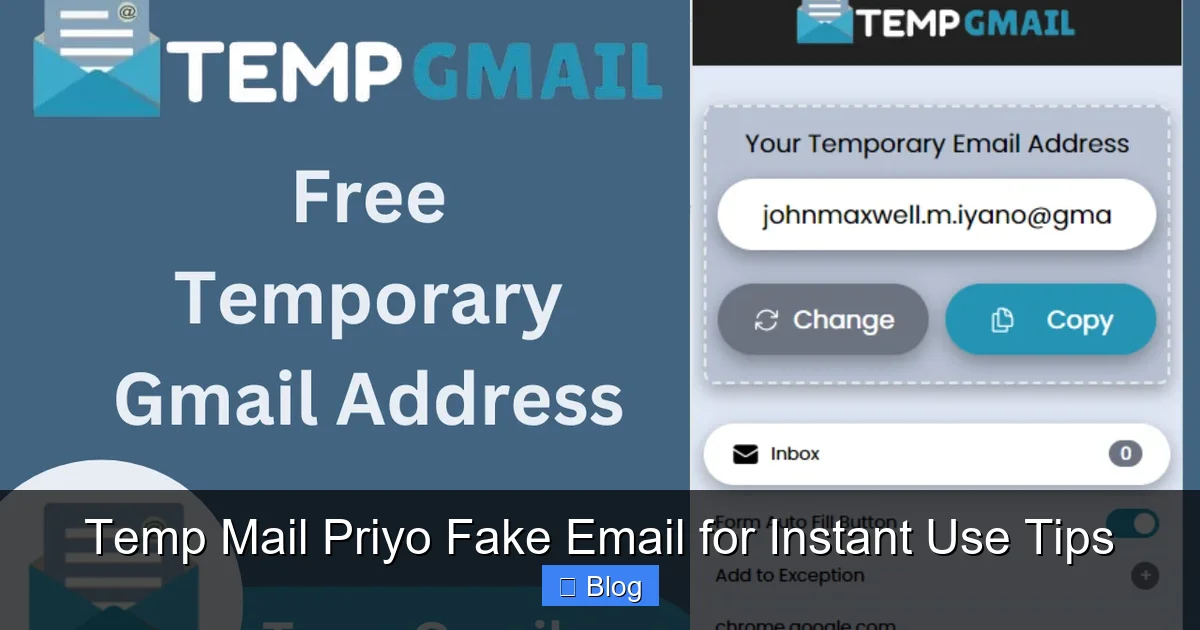
Using Temp Mail Priyo is as easy as 1-2-3. First, go to the official website. You’ll see a randomly generated email address displayed on the screen—something like “[email protected]”. This is your temporary inbox.
Next, use this email to sign up for any service that requires email verification. Whether it’s a streaming platform, online course, or software trial, just paste the fake email into the registration form. Within seconds, a confirmation message will appear in your Temp Mail Priyo inbox.
Click the link in the email to verify your account, and you’re all set. The whole process takes less than a minute. And because the email is temporary, you don’t have to worry about future spam or marketing emails cluttering your real inbox.
Why Use a Fake Email?
There are many reasons to use a fake email, and privacy is at the top of the list. When you use your real email for every sign-up, you’re giving companies access to your digital identity. Over time, this can lead to data leaks, targeted ads, and even identity theft.
A fake email acts as a shield. It keeps your personal information private while still allowing you to access the services you need. It’s especially useful for:
– Signing up for free trials
– Downloading digital content (eBooks, templates, etc.)
– Testing websites or apps
– Avoiding spam from newsletters
– Protecting your email during online shopping
Plus, if a service gets hacked and your email is exposed, it won’t matter—because it’s not your real one. This adds an extra layer of security in an age where data breaches are all too common.
Benefits of Using Temp Mail Priyo
Visual guide about Temp Mail Priyo Fake Email for Instant Use Tips
Image source: sectigostore.com
Temp Mail Priyo isn’t just convenient—it’s packed with benefits that make it a top choice for temporary email needs. Let’s break down why so many people rely on this tool.
1. Instant Setup, No Registration
One of the biggest advantages is speed. You don’t need to create an account, enter your name, or verify your phone number. The moment you visit the site, you have a working email address. This is perfect when you’re in a hurry or just need a quick solution.
For example, imagine you’re at a coffee shop and want to download a free guide from a website. Instead of using your personal email and risking spam, you open Temp Mail Priyo on your phone, copy the fake email, and complete the download in under a minute.
2. Protects Your Real Inbox
Your personal email should be for important things—work, family, friends. But every time you sign up for a new service, you’re inviting junk into your life. Promotional emails, follow-ups, and unwanted newsletters can pile up fast.
With Temp Mail Priyo, all that noise goes to a disposable inbox. You get the access you need without the clutter. And when the email expires, so does the spam. It’s a clean, stress-free way to stay organized.
3. Prevents Spam and Phishing
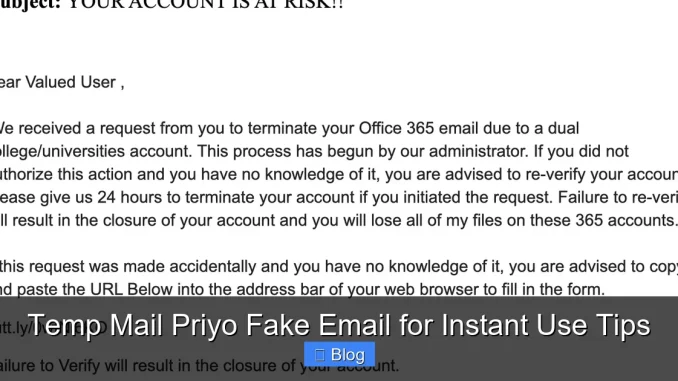
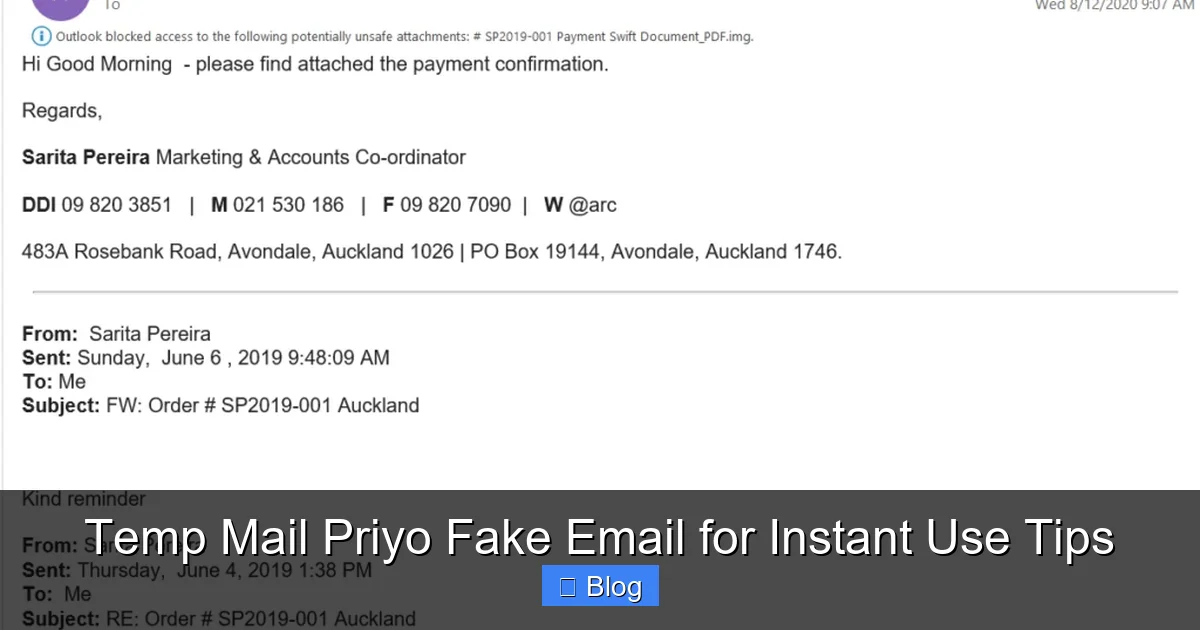
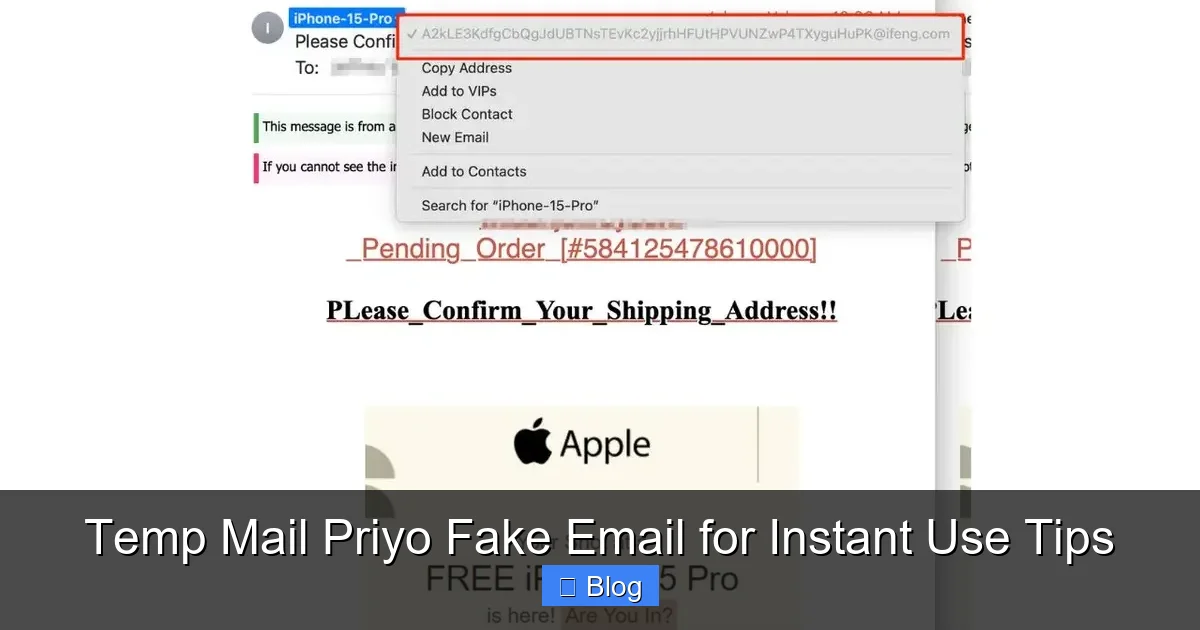
Spam isn’t just annoying—it can be dangerous. Phishing emails often look legitimate and trick users into giving away passwords or credit card info. By using a fake email, you reduce the risk of falling victim to these scams.
Even if a spammer gets your temporary address, it’s useless after a few hours. Your real email stays safe, and your digital life remains secure.
4. Great for Testing and Development
If you’re a developer, tester, or content creator, you probably sign up for dozens of platforms to test features or gather feedback. Using your real email for each one is impractical and risky.
Temp Mail Priyo lets you create multiple fake emails quickly. You can test user flows, check email deliverability, or simulate sign-ups without affecting your personal account. It’s a must-have tool for anyone working in tech or digital marketing.
5. Free and Accessible Anywhere
Best of all, Temp Mail Priyo is completely free. There are no hidden fees, premium plans, or ads that slow you down. And because it’s web-based, you can use it on any device—laptop, tablet, or smartphone—as long as you have internet access.
Whether you’re at home, traveling, or using a public computer, you can generate a fake email in seconds. No downloads, no installations, no hassle.
How to Use Temp Mail Priyo Step-by-Step
Visual guide about Temp Mail Priyo Fake Email for Instant Use Tips
Image source: a57.foxnews.com
Ready to try it out? Here’s a simple guide to using Temp Mail Priyo like a pro.
Step 1: Visit the Website
Open your browser and go to the official Temp Mail Priyo site. You’ll see a randomly generated email address at the top of the page. This is your temporary inbox.
Step 2: Copy the Email Address
Click the copy button next to the email to save it to your clipboard. You can also manually select and copy it.
Step 3: Use It to Sign Up
Go to the website or app where you need to register. Paste the fake email into the email field and complete the sign-up process.
Step 4: Check Your Inbox
Return to the Temp Mail Priyo site. The inbox will automatically refresh and show any new messages. Look for the confirmation email and click the verification link.
Step 5: Done!
Once verified, you can start using the service. The fake email will remain active for a few hours—long enough for most tasks. When you’re finished, simply close the tab. The email will expire, and all data will be deleted.
Pro Tips for Better Use
– Use a Unique Domain: Temp Mail Priyo offers multiple email domains (like @priyomail.net or @tempinbox.co). Switch domains if one gets blocked by a website.
– Keep the Tab Open: For best results, keep the Temp Mail Priyo tab open while you’re using the fake email. This ensures you see messages instantly.
– Don’t Use for Sensitive Accounts: Avoid using fake emails for banking, government services, or anything that requires long-term access.
– Bookmark the Site: Save the URL for quick access next time you need a temporary email.
Common Use Cases for Fake Emails
Visual guide about Temp Mail Priyo Fake Email for Instant Use Tips
Image source: addons.mozilla.org
Temp Mail Priyo isn’t just for avoiding spam—it has a wide range of practical applications. Here are some of the most common ways people use it.
1. Free Trials and Subscriptions
Many services offer free trials but require an email to sign up. Once the trial ends, they often send daily reminders or promotional emails. With a fake email, you can enjoy the trial without the follow-up spam.
For example, you might want to try a new music streaming app for a week. Use Temp Mail Priyo to sign up, enjoy the free access, and avoid future emails when the trial ends.
2. Downloading Digital Content
Blogs, e-commerce sites, and online courses often gate content behind email sign-ups. Instead of giving away your real email for a free PDF or template, use a fake one.
This is especially useful for lead magnets—free resources offered in exchange for contact info. You get the content you want, and your inbox stays clean.
3. Testing Websites and Apps
If you’re building a website or app, you’ll need to test the sign-up and email verification process. Instead of creating multiple real accounts, use Temp Mail Priyo to simulate user behavior.
This helps you catch bugs, test email templates, and ensure a smooth user experience—all without cluttering your personal inbox.
4. Online Shopping and Coupons
Some online stores offer discounts for first-time sign-ups. But they often follow up with promotional emails. Use a fake email to claim the deal and avoid future spam.
Just remember: if you plan to make a purchase, use a real email so you can receive order confirmations and shipping updates.
5. Protecting Privacy on Forums and Social Media
When joining online communities or forums, you may need to verify your email. Using a fake email keeps your identity private and reduces the risk of being targeted by scammers or trolls.
Is Temp Mail Priyo Safe and Legal?
Yes—Temp Mail Priyo is both safe and legal to use. The service is designed to protect user privacy and doesn’t collect personal data. Your temporary email and messages are encrypted and deleted after a short period.
However, it’s important to use it responsibly. Fake emails should not be used for illegal activities, fraud, or to bypass security measures on platforms that prohibit disposable emails.
Most legitimate websites allow temporary emails, but some may block known domains. If you encounter a block, simply switch to a different domain offered by Temp Mail Priyo.
Privacy and Security Features
Temp Mail Priyo uses HTTPS encryption to protect your connection. This means your data is secure while in transit. The service also doesn’t store emails permanently—once the session ends, all messages are erased.
Additionally, the platform doesn’t require cookies or tracking scripts, making it a privacy-friendly option compared to other temp mail services.
Alternatives to Temp Mail Priyo
While Temp Mail Priyo is a great tool, there are other temporary email services you might consider. Some popular alternatives include:
– Mail.tm: Offers custom usernames and longer email lifetimes.
– 10 Minute Mail: Simple and fast, with a 10-minute auto-expiry.
– Guerrilla Mail: Provides disposable emails with attachment support.
– Temp-Mail.org: Features a clean interface and multiple domains.
Each has its own strengths, so you can choose based on your needs. But for instant use and ease of access, Temp Mail Priyo remains a top choice.
Final Thoughts
In a world where your email is constantly under attack, Temp Mail Priyo fake email for instant use is a smart, simple solution. It gives you the freedom to explore the internet without sacrificing your privacy or cluttering your inbox.
Whether you’re signing up for a free trial, downloading a resource, or testing a new app, this tool makes it fast and safe. With no registration, instant access, and strong privacy features, it’s no wonder so many people rely on it.
So next time you’re asked for an email address, think twice. Do you really want to give out your real one? With Temp Mail Priyo, you don’t have to. Try it today and see how much easier online life can be.
Frequently Asked Questions
Is Temp Mail Priyo really free?
Yes, Temp Mail Priyo is completely free to use. There are no hidden fees, subscriptions, or premium features. You can generate and use fake emails as many times as you want at no cost.
How long does a fake email last?
The temporary email remains active for several hours—usually between 1 to 24 hours, depending on usage. Once inactive, the email and all messages are automatically deleted.
Can I send emails from a Temp Mail Priyo address?
No, Temp Mail Priyo is designed only for receiving emails. You cannot send messages or reply to incoming emails. It’s meant for verification and inbox access only.
Will websites block Temp Mail Priyo emails?
Some websites may block known temporary email domains. If this happens, simply switch to a different domain offered by the service or try again later.
Is it safe to use for account verification?
Yes, it’s safe for most account verifications, such as signing up for apps or downloading content. Avoid using it for sensitive accounts like banking or government services.
Can I recover emails if I close the tab?
No, once you close the tab or the session expires, the email and all messages are permanently deleted. Make sure to complete any important actions before leaving the site.
Leave a Reply